So you've got a story for your kid, and somewhere between the idea and a real book you hit the wall everyone hits: what do you actually make it in? The honest answer is that the best tool to make an illustrated children's book depends on one thing most comparison posts skip: whether your characters stay the same from the first page to the last.
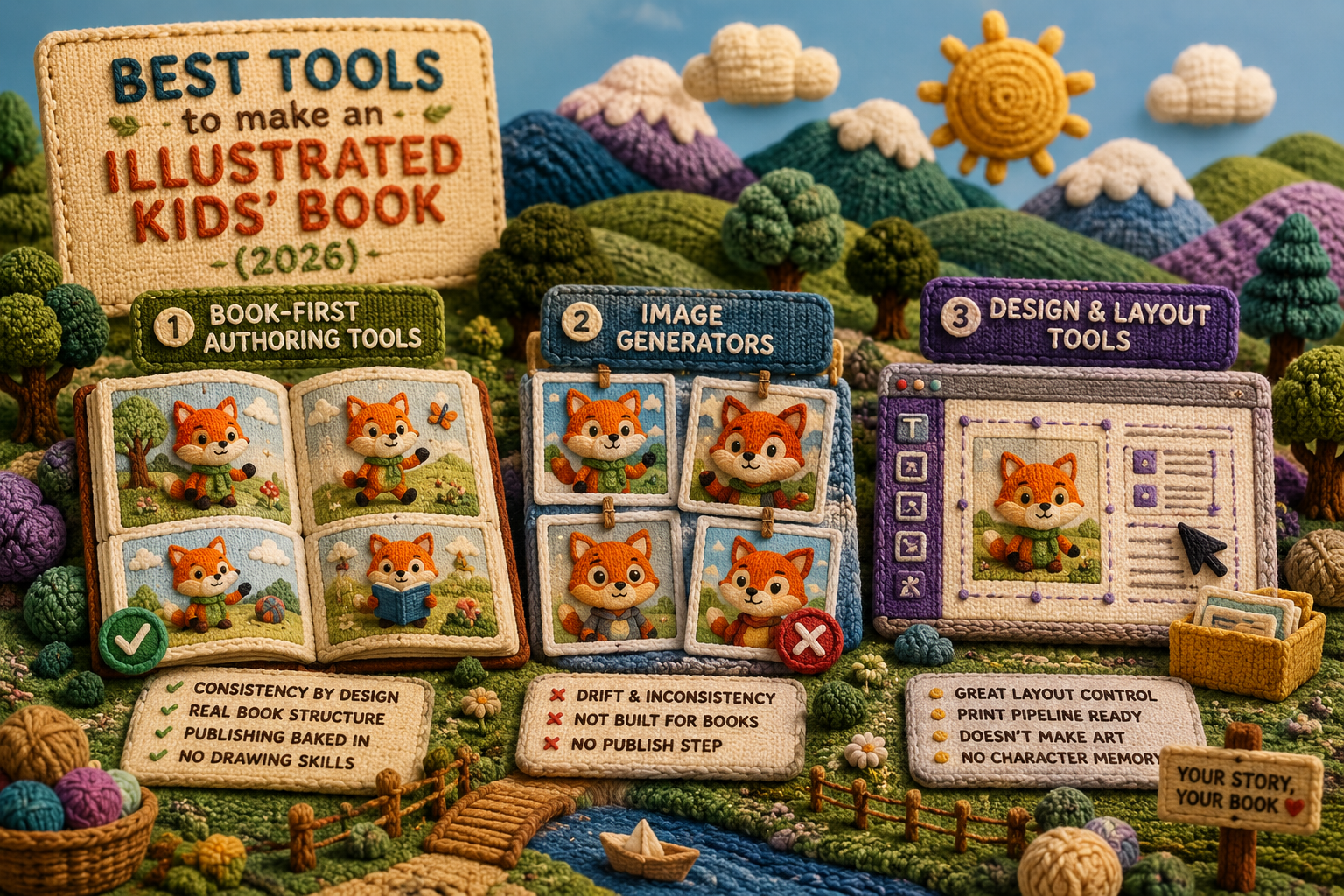
The tools fall into three camps. Book-first authoring tools (where you build a cast once and every page reuses it), general-purpose image generators, and design or layout tools you bolt onto a print service. Each is genuinely good at something. Only one of them is built so your hero doesn't turn into a stranger by page seven.
Let's walk all three, fairly, and you can pick the one that fits what you're making.
What actually separates these tools?
Before the camps, here's the test that matters. A pretty single picture is easy now. Anyone can type a sentence into an image tool and get something lovely back. A book is a different animal: it's the same character, in the same style, doing twenty different things across thirty-odd pages, and then needing to come out the other end as a file a printer will accept.
So judge any tool on four things:
- Consistency: does your character look like herself on every page, or is each page a fresh roll of the dice?
- Book structure: does it think in pages and spreads, or just loose pictures you have to assemble?
- Publishing: can you get a print-ready PDF, an EPUB, and image files of every page out of it?
- Skill required: can a person who can't draw and doesn't design actually finish a book?
Hold those four up against each camp.
Book-first authoring tools: built for consistency
This is the newest camp, and the one designed around the problem the other two trip over. The idea: you build your characters, settings, and props once, and then every page you illustrate reuses them. You author and direct; the tool illustrates. The cast persists, so the character can't drift.
What you get from this camp:
- Consistency by design. The whole reason the camp exists. Build the fox your daughter named Pickle once, and Pickle stays Pickle on page one and page twenty-four.
- Real book structure. You work in a book made of chapters and pages, not a folder of stray images you have to lay out yourself.
- Publishing baked in. A print-ready PDF for print-on-demand, an EPUB, and image files of every page come out the far end without a second tool.
- No drawing skills. You write the page, the cast and style fill in automatically, and you never type a style word.
The trade-off, to be fair: you pick from a set of illustration styles rather than inventing a brand-new look from scratch, and you commit to one style for the whole book. That's not a limitation so much as the point. A book wants one consistent look, not twelve.
Storybench lives here. You build your cast and world once, lock in one of a range of illustration styles (2D and 3D), and every page inherits all of it. If a page isn't right, you re-illustrate it without losing the character. See how it works for the full flow.
Image generators: brilliant pictures, no memory
General image generators are remarkable. For a single illustration, a poster, a one-off, they're hard to beat. The catch is structural, not about quality: each image is generated independently, so the tool has no memory of the character it drew a minute ago.
Where they shine:
- Range. Almost any style, any subject, on demand.
- A great single image. For one picture, the result can be stunning.
Where they fight you on a book:
- Drift. The hair, the face, the palette wander page to page. You can chase it with longer prompts and reference images, but you're managing the problem, not solving it.
- No book. You get loose images. Pages, spreads, page numbers, and the final file are still your job, usually in another tool.
- No publish step. Nothing here hands you a print-ready PDF or an EPUB.
Now, someone's going to say the new generators have character features and reference modes that fix this. They help. But across thirty pages and dozens of poses, "helps" and "holds" are different words, and a four-year-old will notice the gap. Specific feature sets vary by tool and change often, so check the current capabilities of any tool before you count on one.
Design and layout tools: great for the page, not the pictures
The third camp is the design-and-print stack: a layout tool to arrange pages plus a print-on-demand service to sell them. These are genuinely good at what they do.
- Layout control. You place text and images exactly where you want them and build a tidy spread.
- Print pipeline. Templates and export aimed at the printer's specs.
But they don't make your illustrations, and they don't keep a character consistent. You still need the art from somewhere else, which loops you back to the consistency problem. A layout tool will happily lay out a book where the hero changes faces; it has no idea that's wrong.
For the print specs themselves (trim, bleed, margins), check the current numbers against your print service before you upload.
So which is the best tool for an illustrated children's book?
It depends on what you're making, and we'll say it straight even though we make one of these:
- Need one gorgeous image or a non-book project? An image generator is your friend.
- Already have all your final art and just need to arrange and print it? A layout tool plus print-on-demand does the job.
- Making a real book where the same character has to look like herself on every page, and you'd rather not stitch three tools together? A book-first authoring tool is the one built for that.
That last case is most people writing a picture book. It's why the book-first camp exists, and it's where Storybench sits: cast built once, one consistent style, real pages, and a print-ready PDF, EPUB, and image files of every page out the other end. The honest pitch is just that: consistency you don't have to babysit. Curious how that feels in practice? See what it's for.
Frequently asked questions
Can I just use a free image generator to make a children's book?
You can make the pictures, yes. The hard part is keeping one character consistent across every page and turning loose images into a printable book. A free generator gives you neither out of the box, so you'll spend your time fighting drift and assembling files in other tools.
Do I need to know how to draw or design?
Not with a book-first authoring tool. You write each page and the tool illustrates it, reusing the cast and style you set up once. Storybench is built so you never type a style word and never open a layout program.
What's the difference between an image generator and a book maker?
An image generator makes one picture at a time with no memory between them. A book maker adds a persistent cast, page structure, and publish formats, so you end up with a consistent, finished book rather than a pile of images.
Which format do I get to actually sell the book?
For most indie authors, a print-ready PDF for print-on-demand and an EPUB for ebook stores. Storybench exports both, plus image files of every page, from the same book.
The right tool is the one that disappears so you can think about the story instead of the software. When you're ready to make yours, start your book and build your cast once.