Storybench

Changelog

What’s new

The things we’ve shipped, newest first. Real, in-your-hands changes to how you build & publish your books, not a roadmap.

Improved

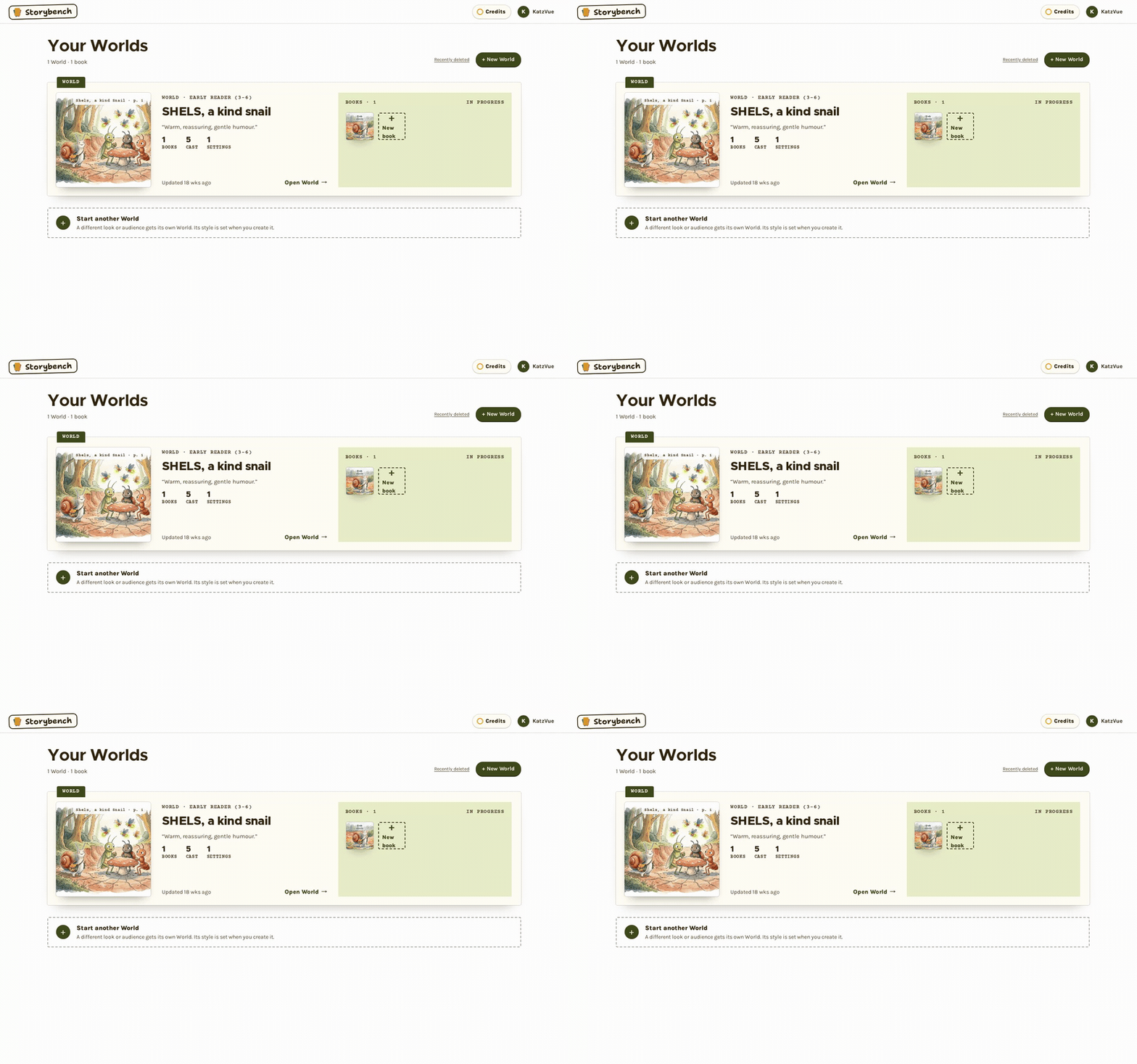
A real book, really published

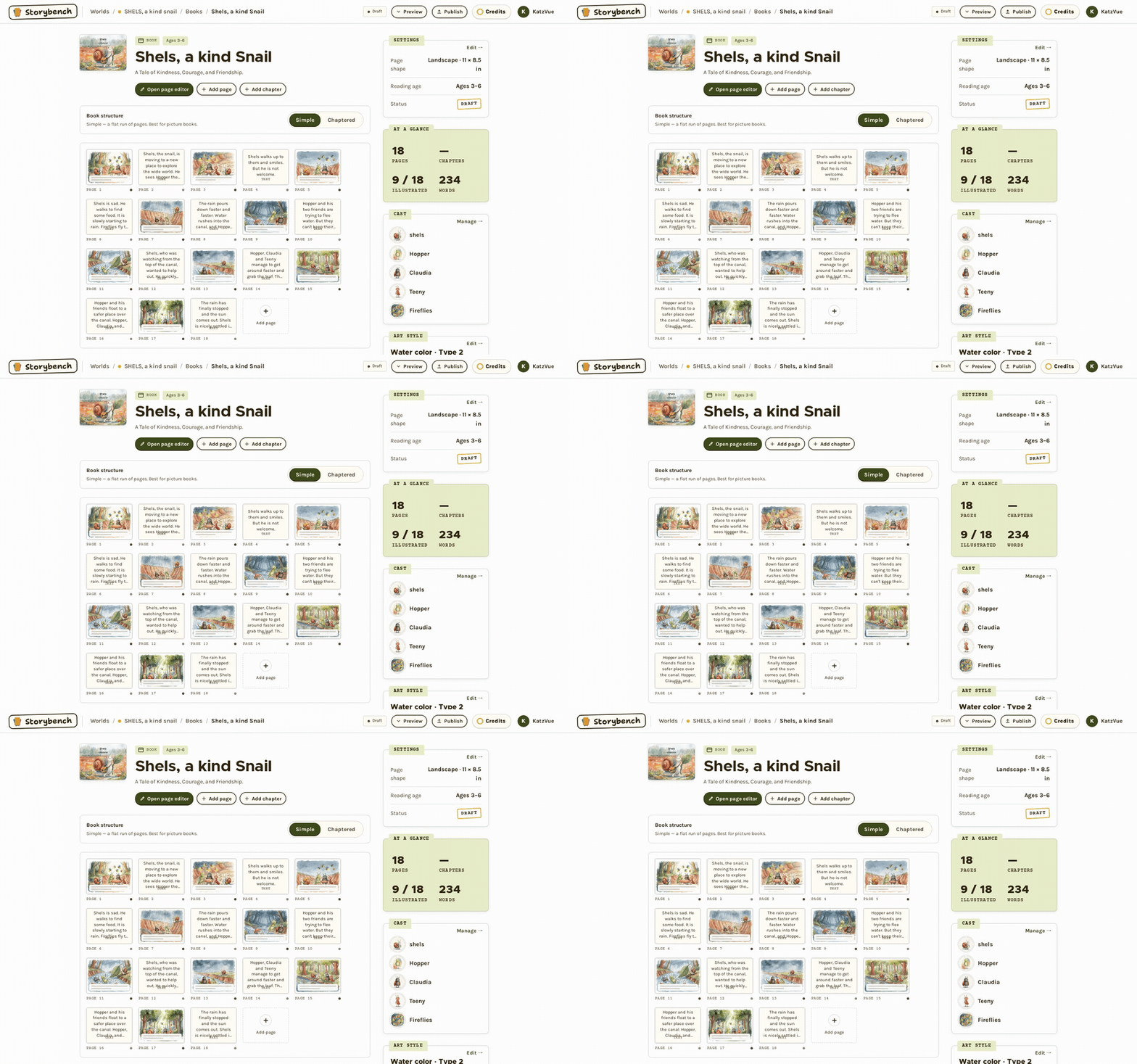
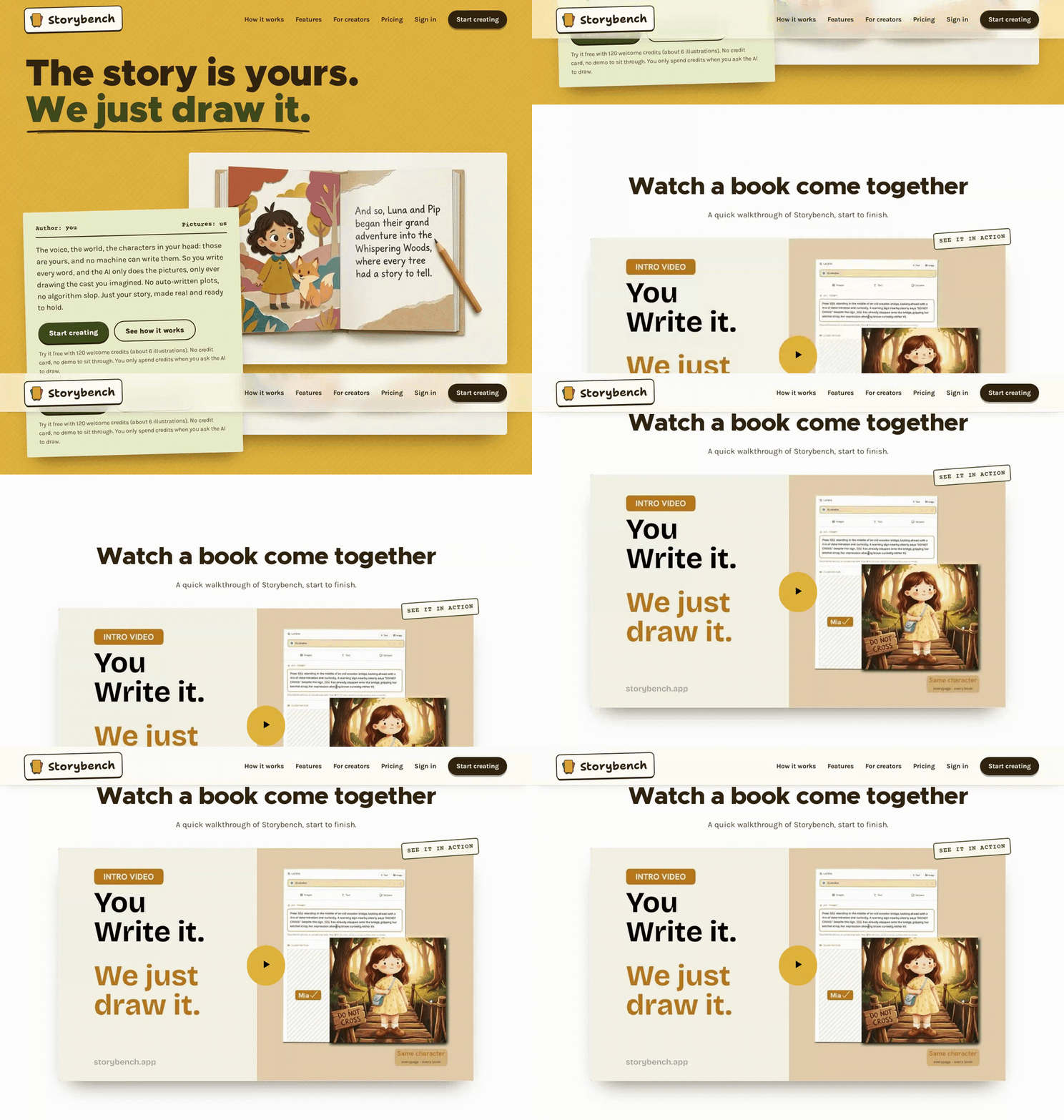
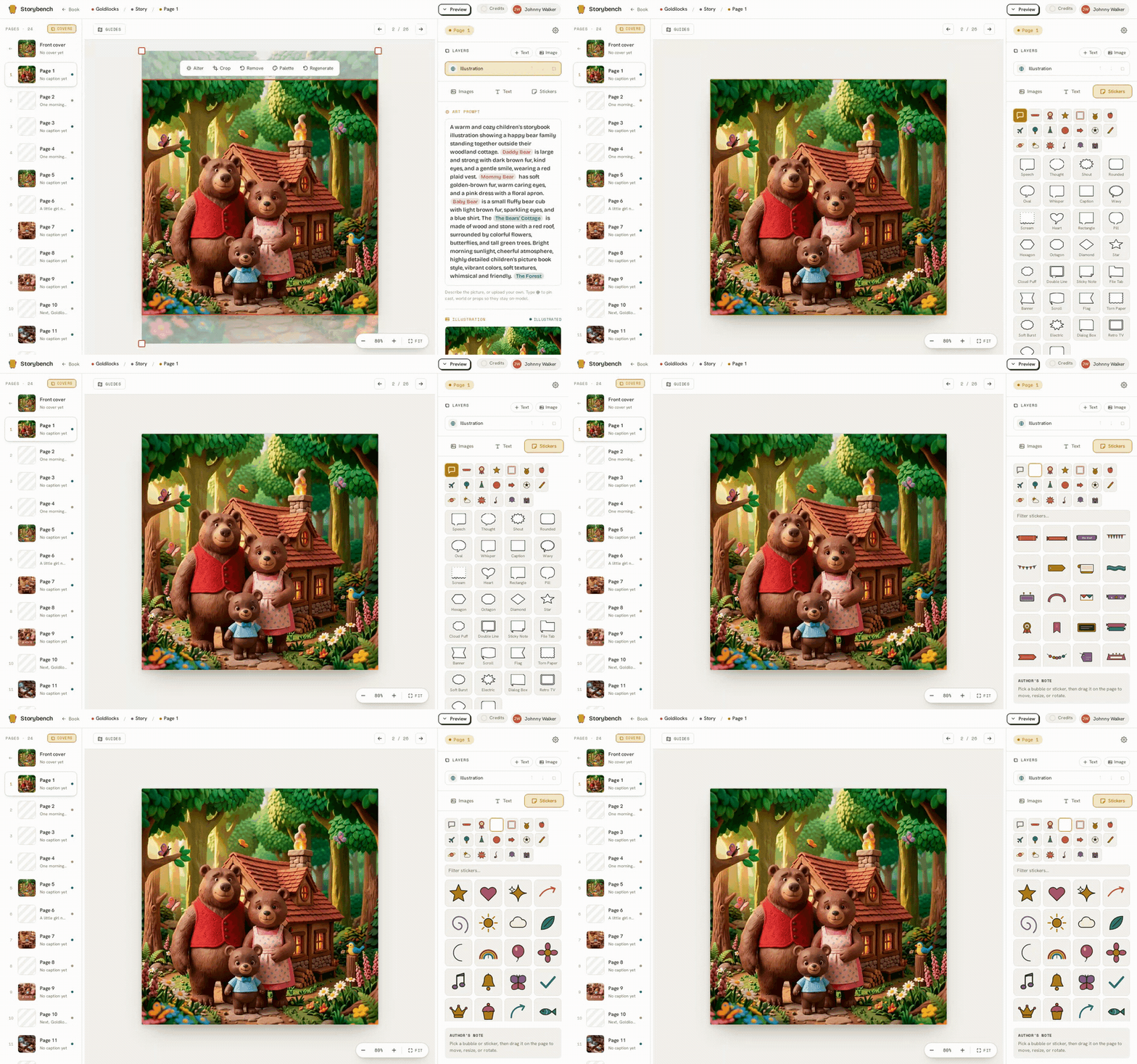
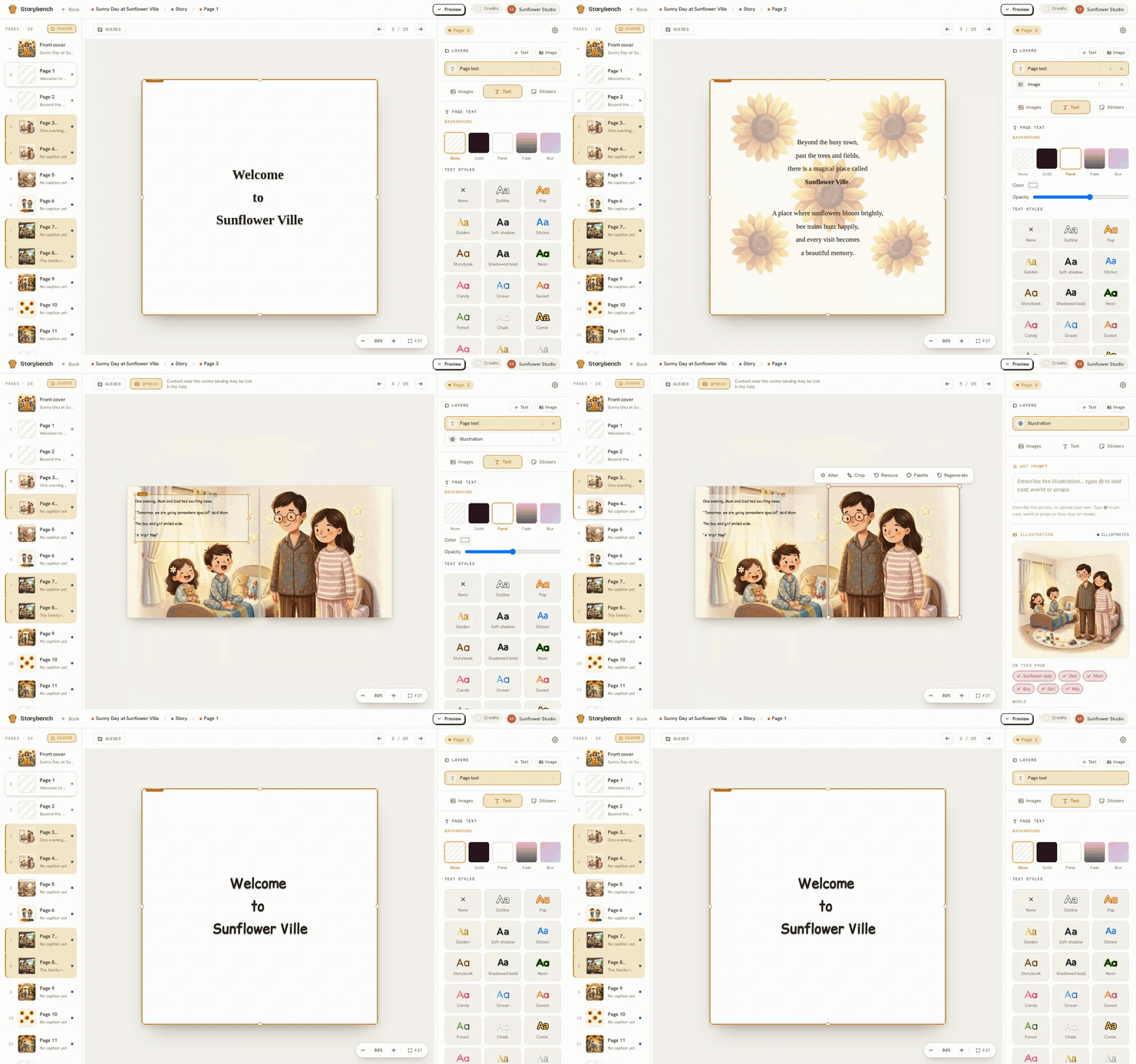
The homepage now shows a book that actually exists: the page editor it was built in, and the finished cover that’s on sale on Amazon. Same book, both ends of the trip. It felt more honest than a mockup, and it answers the question everyone quite reasonably asks first, which is whether any of this comes out the other side as a real book.

Improved

A shelf of guides, free to read

There’s a new Resources shelf: long, practical guides to writing, illustrating, publishing & selling a children’s book. They’re free, there’s no upsell, and you don’t need an account to read them. If you’ve ever gone looking for a straight answer about trim sizes or royalties and found ten pages of fluff, start here.

Improved

Honest comparisons, and a page for whoever you are

New side-by-side comparisons with the other tools people weigh us against, written plainly, with the trade-offs left in. Plus fresh pages for the different kinds of maker who land here, whether you’re an indie author or a teacher making books for your classroom.

Save a copy of all your art
Improved

Save a copy of all your art

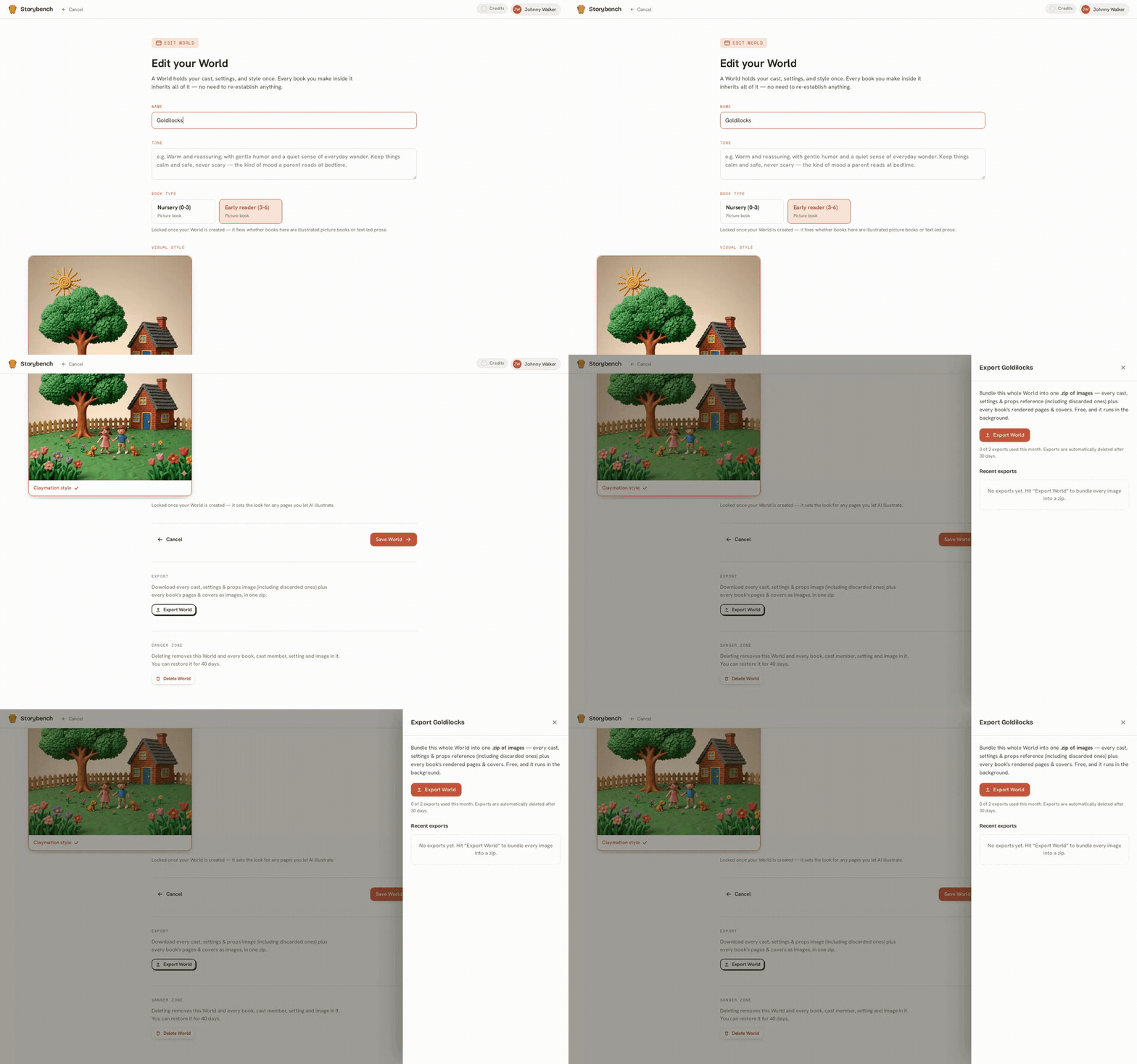
You can now export an entire World as a single zip of images, every illustration you’ve made, in one download. It’s your work; keep a copy wherever you like.

Get your book store-ready
New

Get your book store-ready

Adding the details a real store asks for is now built in: your title, author name, and an ISBN for each format. A print-readiness check looks over your interior and cover (trim, bleed, and a computed cover wrap) before you publish, and a guided handoff walks you through taking the finished files to Amazon KDP or Lulu.

Start from your own sketch
New

Start from your own sketch

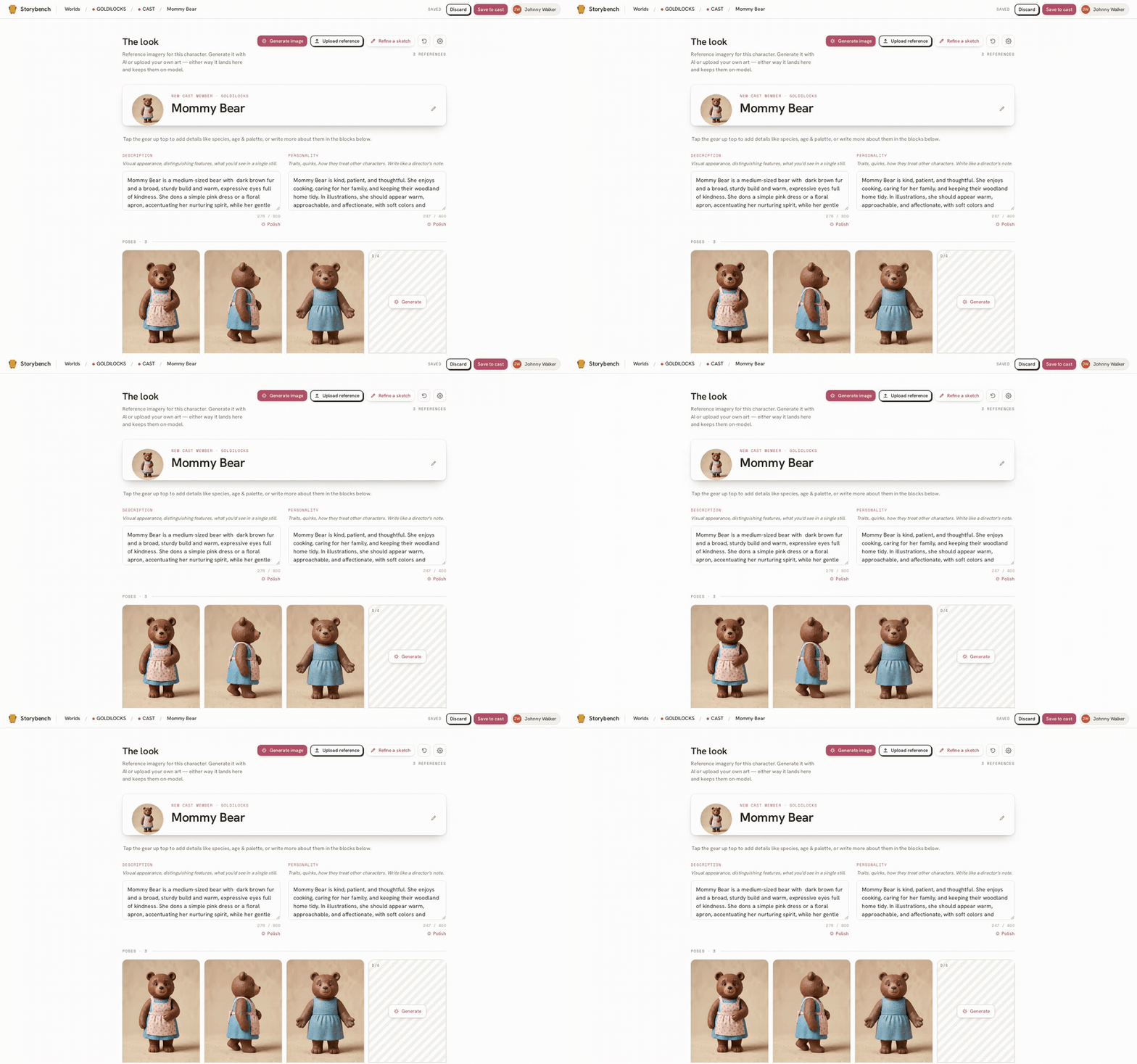
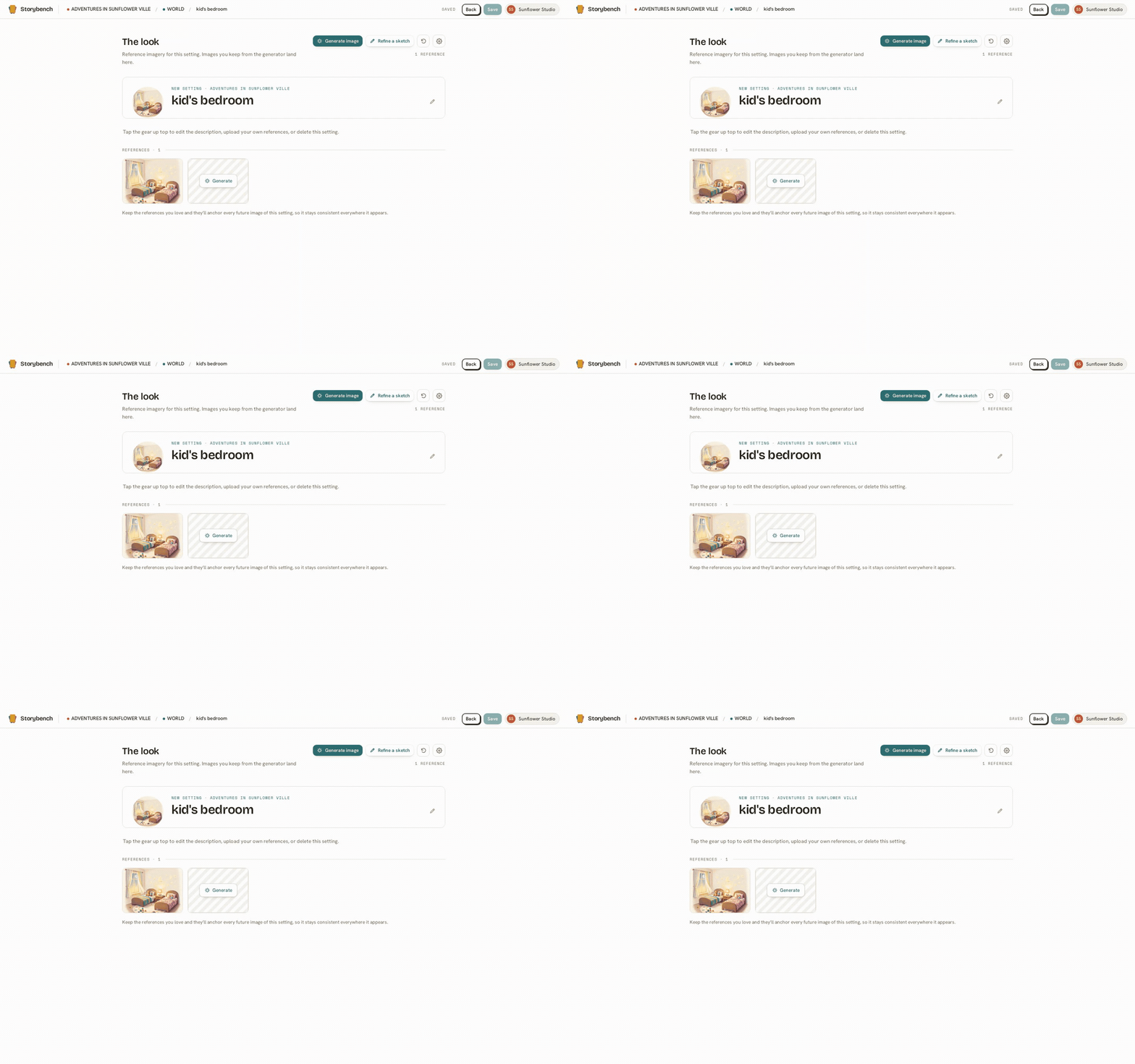
Have a rough drawing or some art of your own? Upload it and build a character, place, or prop from it, and it picks up your World’s look from there. You can even combine several reference pictures at once when one isn’t enough.

Stickers, speech bubbles & playful text
New

Stickers, speech bubbles & playful text

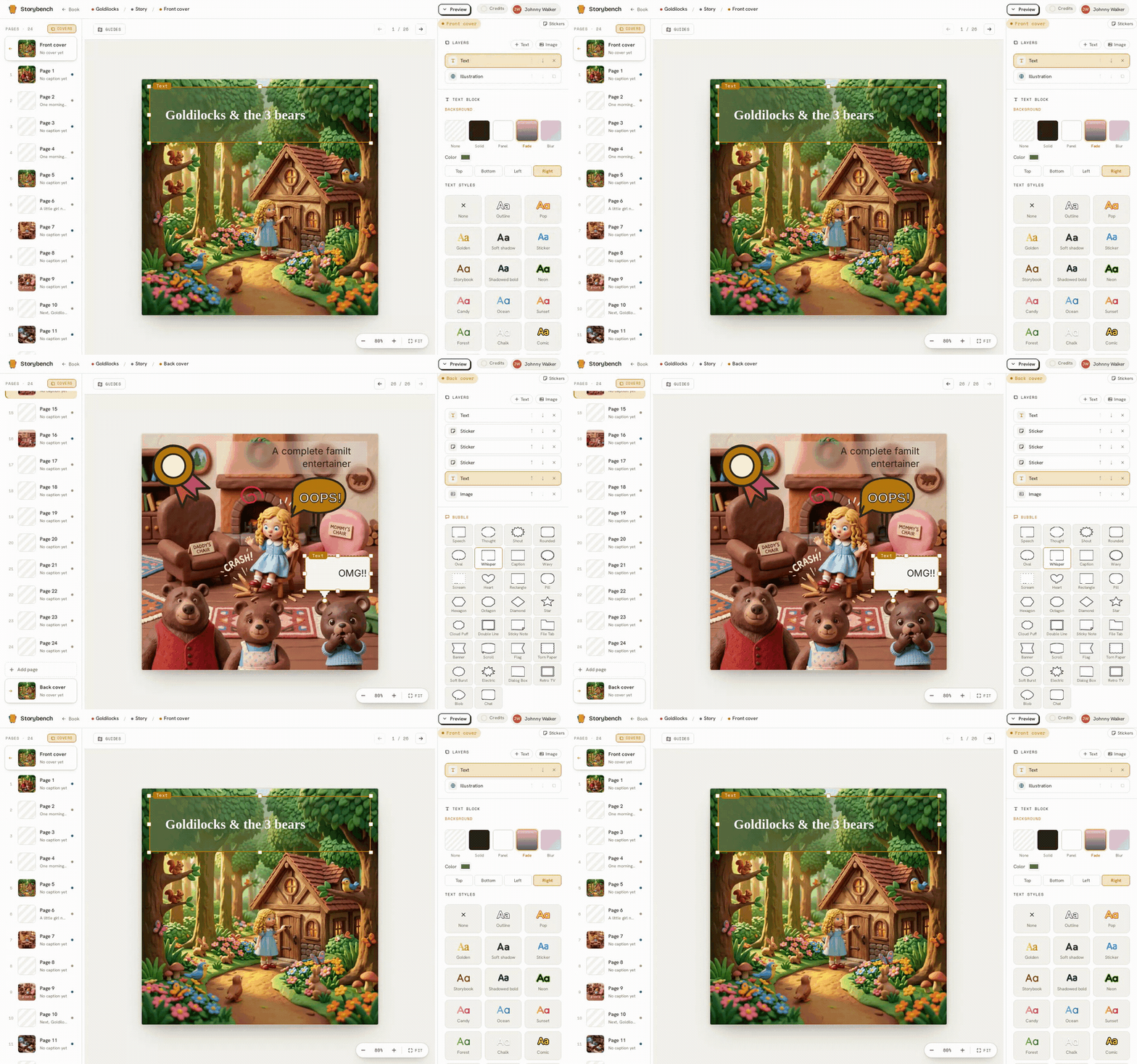
A growing library of first-party stickers (animals, shapes, weather, space, and more), editable speech bubbles you type straight into, and text styles with outlines, shadows, gradients, and gentle curves. Little touches that make a page feel like yours.

Name your cast right in the text
Improved

Name your cast right in the text

Write a character, setting, or prop by name in your page text and Storybench spots it, no special typing needed, and pulls the right reference pictures into the illustration. Tap a name to choose exactly which reference images should anchor the art.

Improved

A Help Center and a blog

Two new places to learn: a Help Center with step-by-step guides for building your cast, filling your world, and publishing, and a blog of notes and stories on writing books you actually authored.

One cast, a whole series
Improved

One cast, a whole series

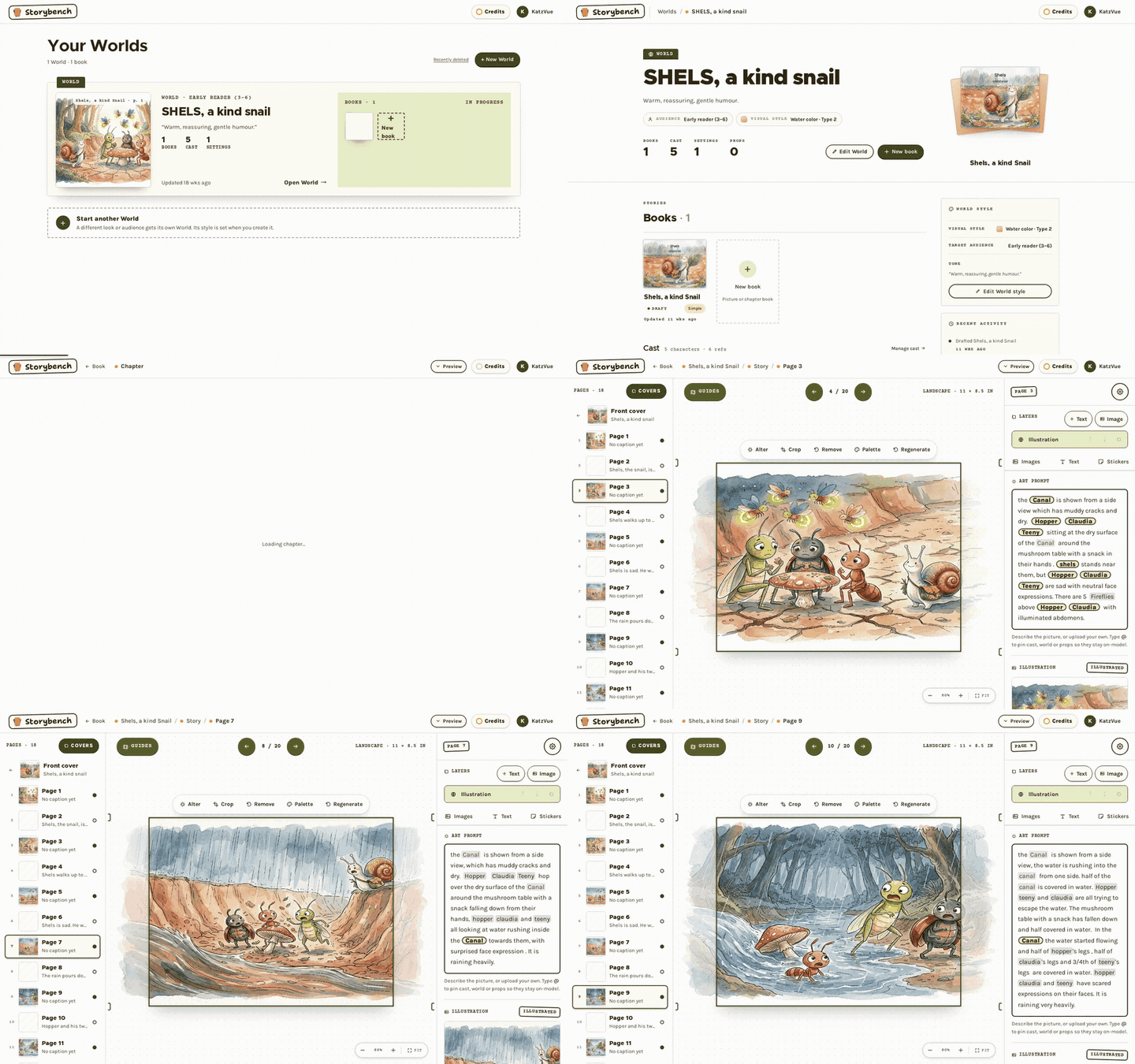
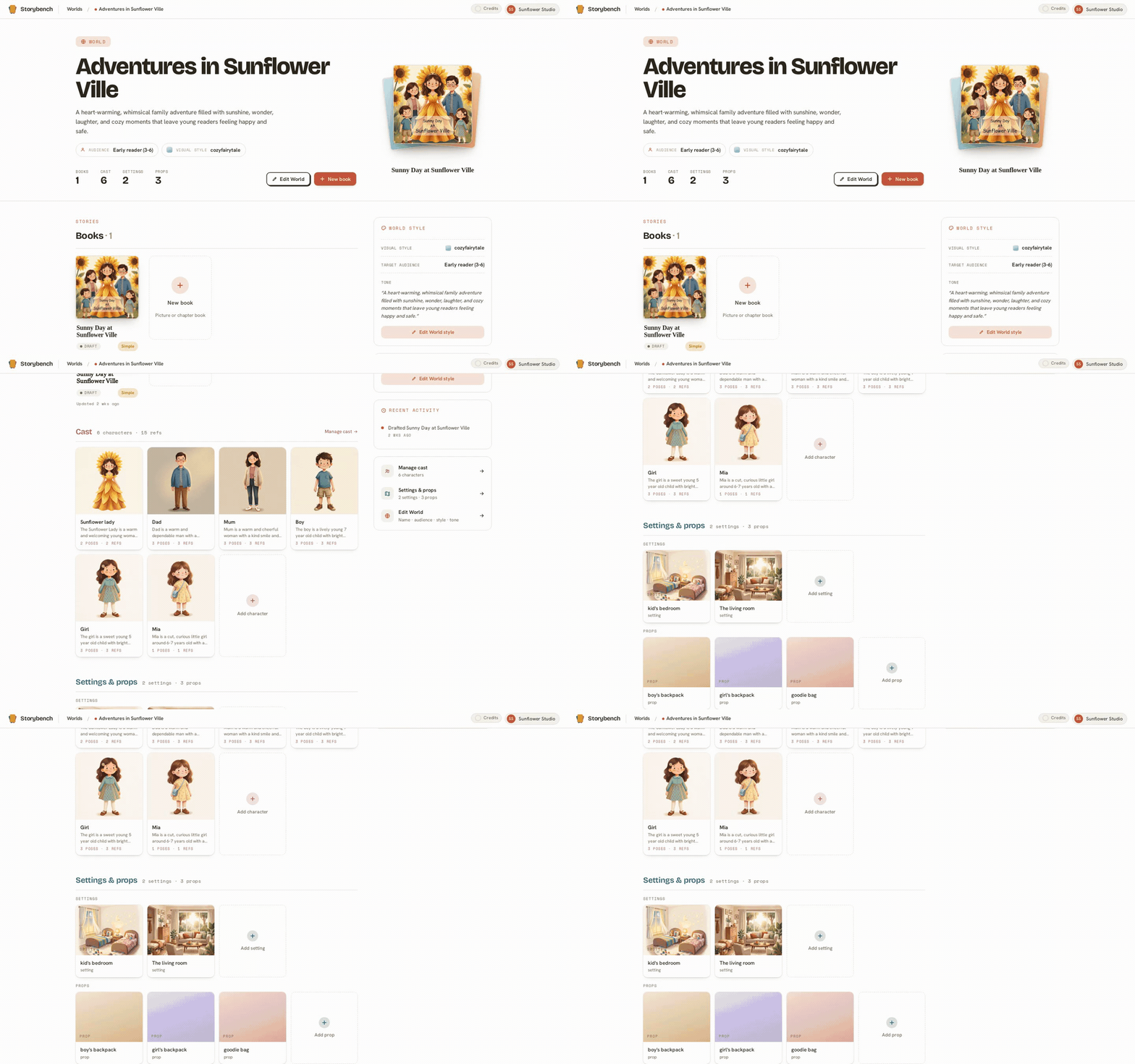
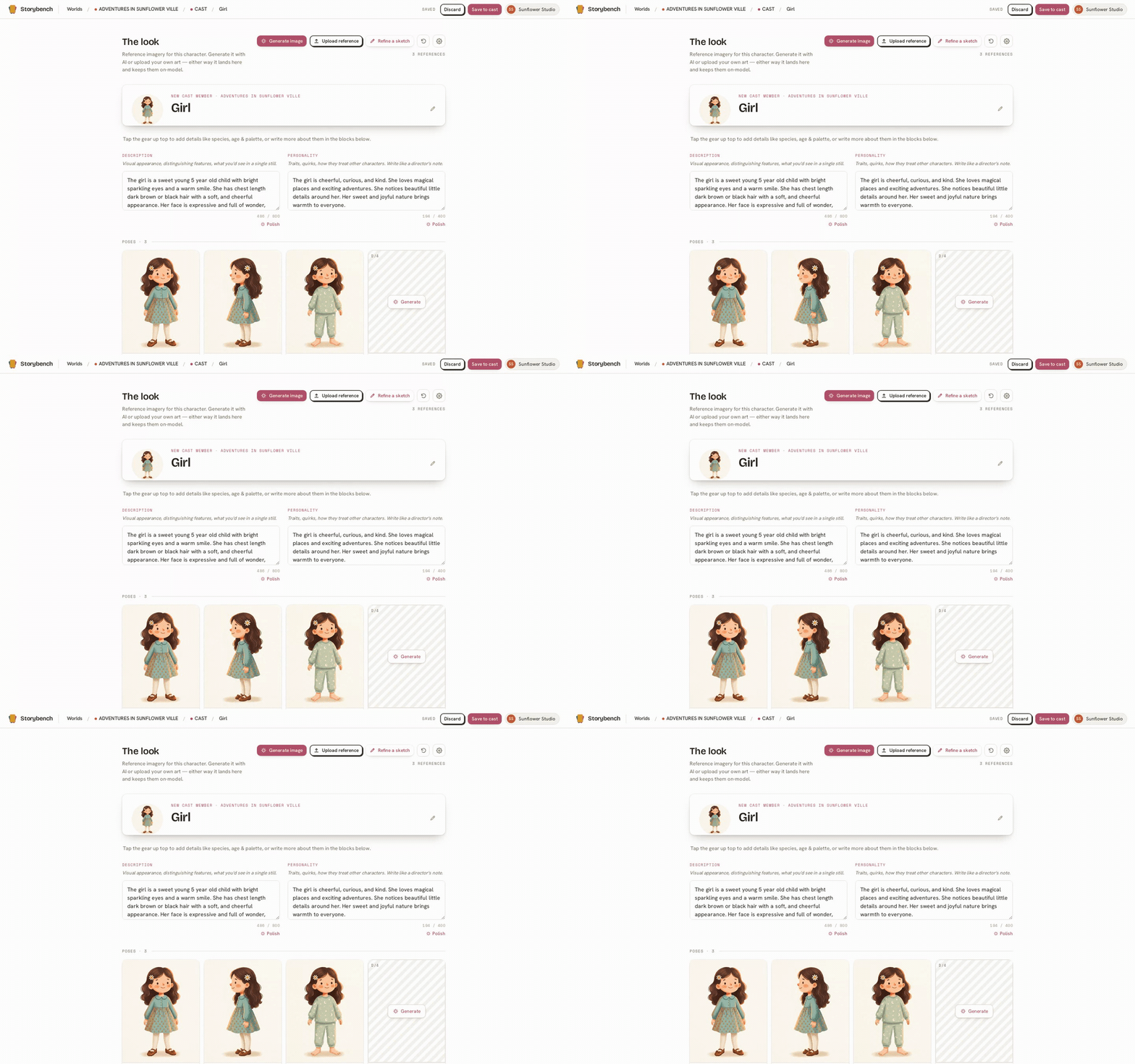
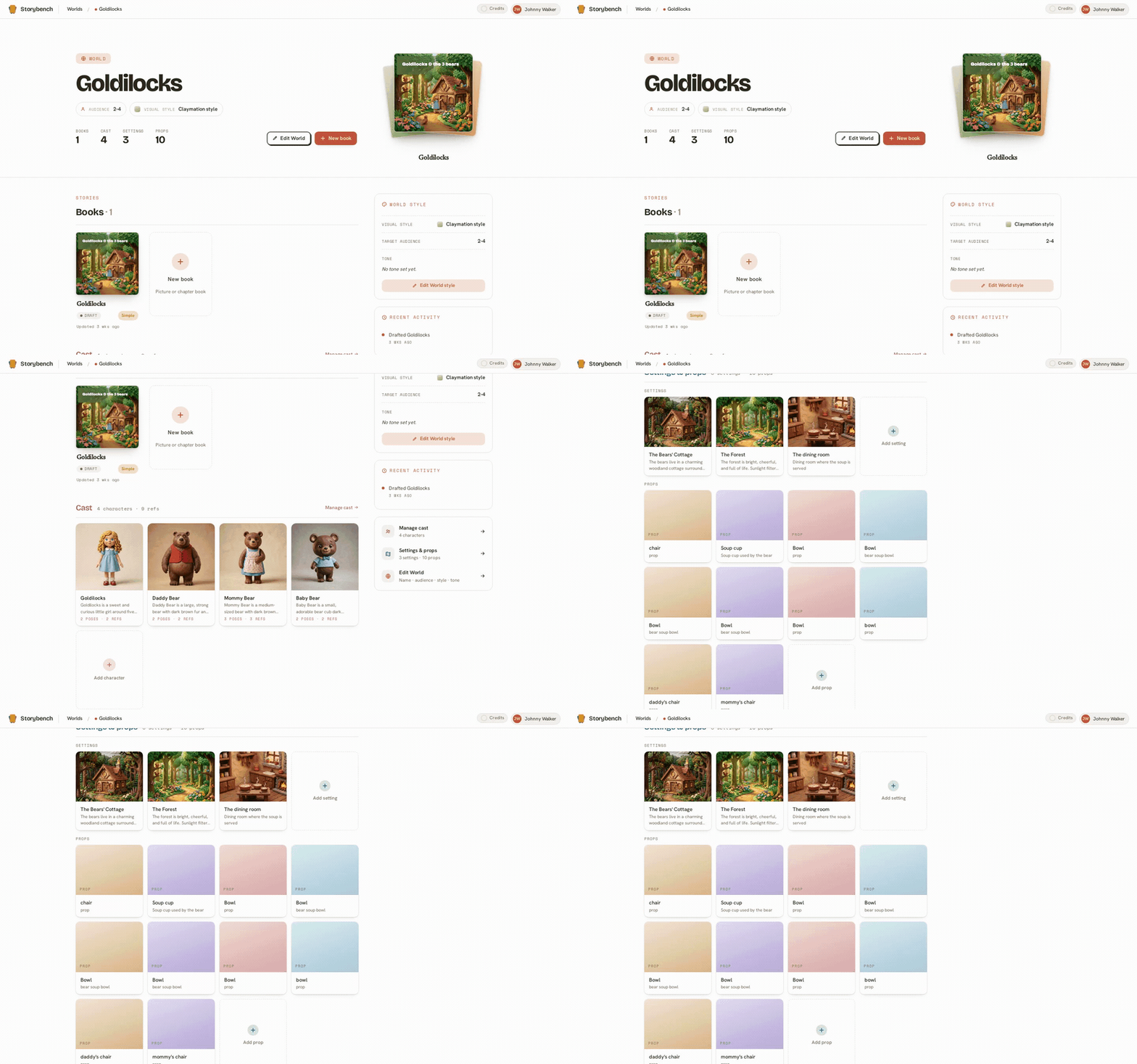
Your cast lives in the World, not inside one book. So every new title starts from the same characters, settings, and look you already built. The first book is the work. The second is the easy one, because everything your readers came back for is already waiting.

Every export you’ve made, in one place
Improved

Every export you’ve made, in one place

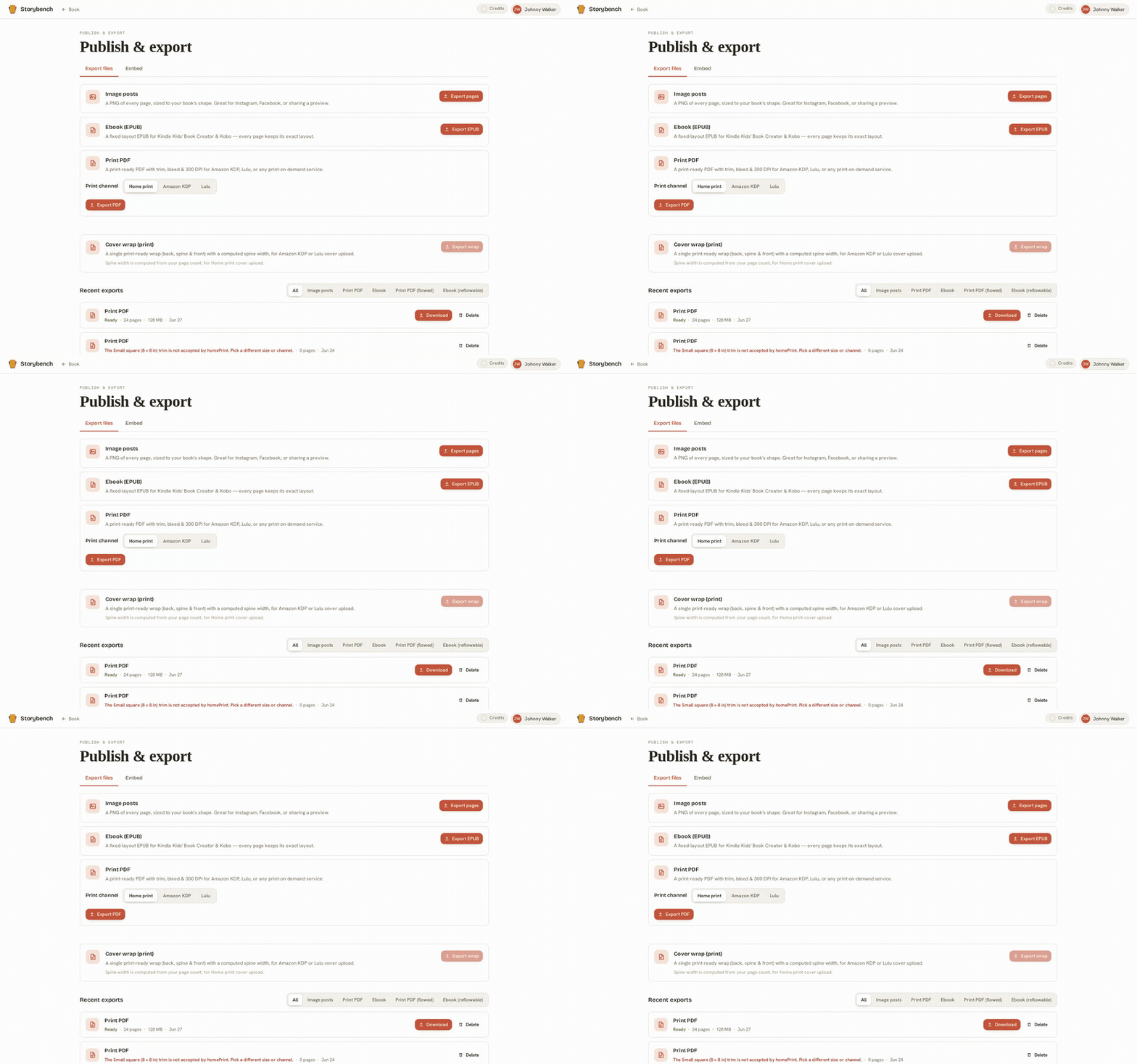
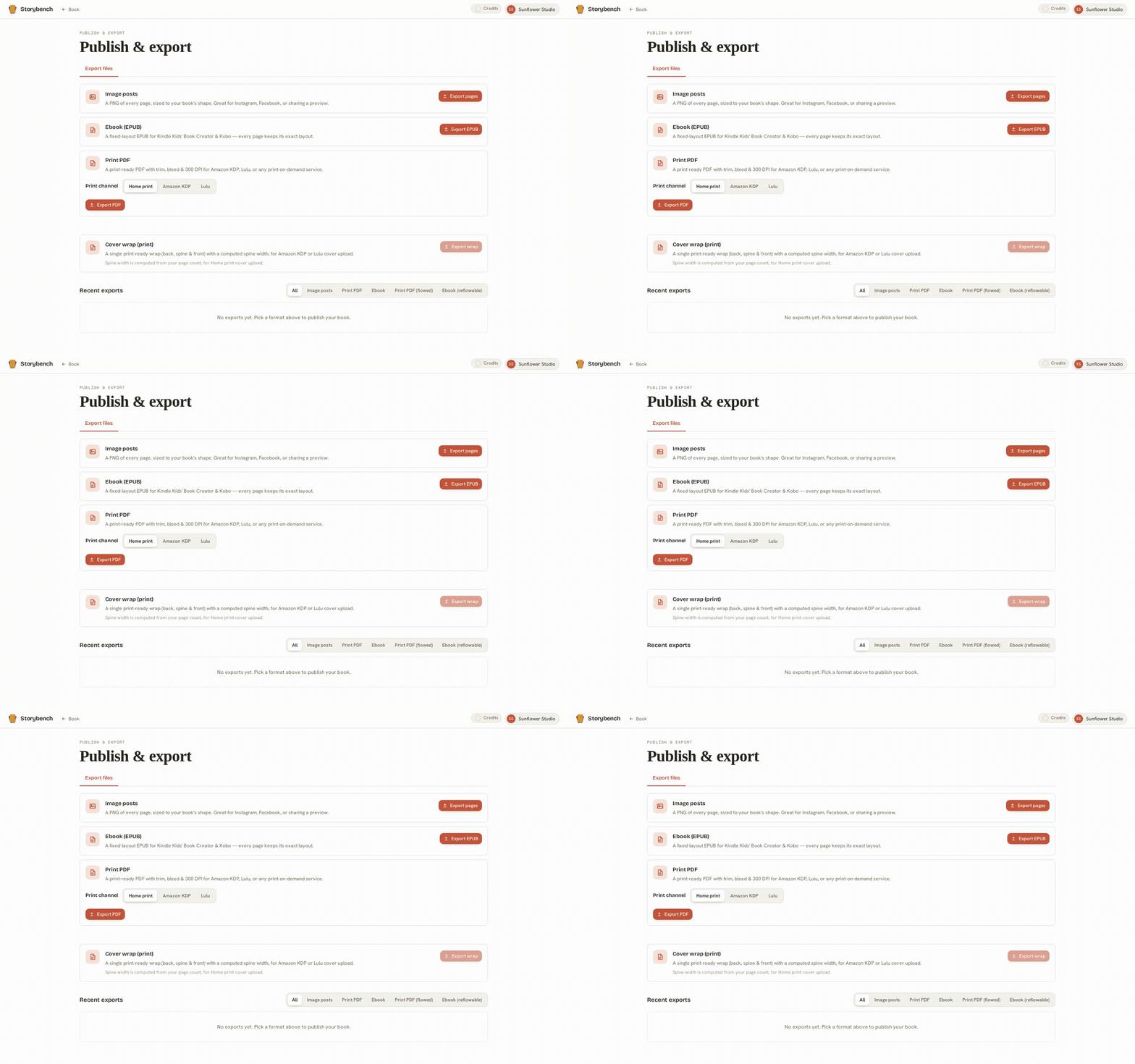
A dedicated Publish page keeps a durable history of every file you’ve exported, print PDFs, EPUBs, image sets, ready to download again or clear out whenever you like. Close the tab mid-export and it’s still there when you come back.

Give your book a real cover
New

Give your book a real cover

Design a front and back cover the same way you design a page, with your art, your title, and your name. Your cover flows through the reader preview and every export, and becomes the cover image on your EPUB.

Move your words anywhere on the page
New

Move your words anywhere on the page

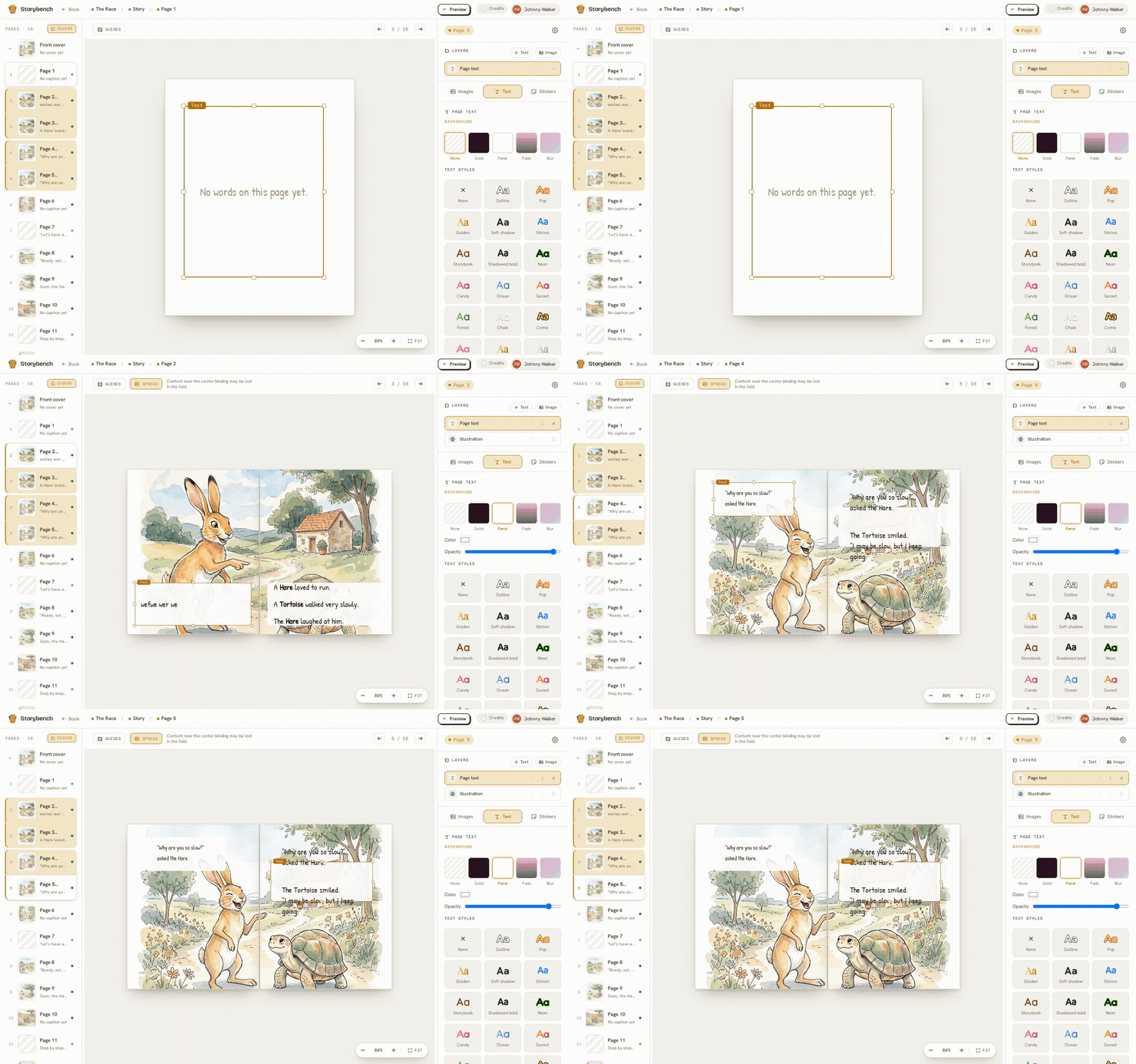
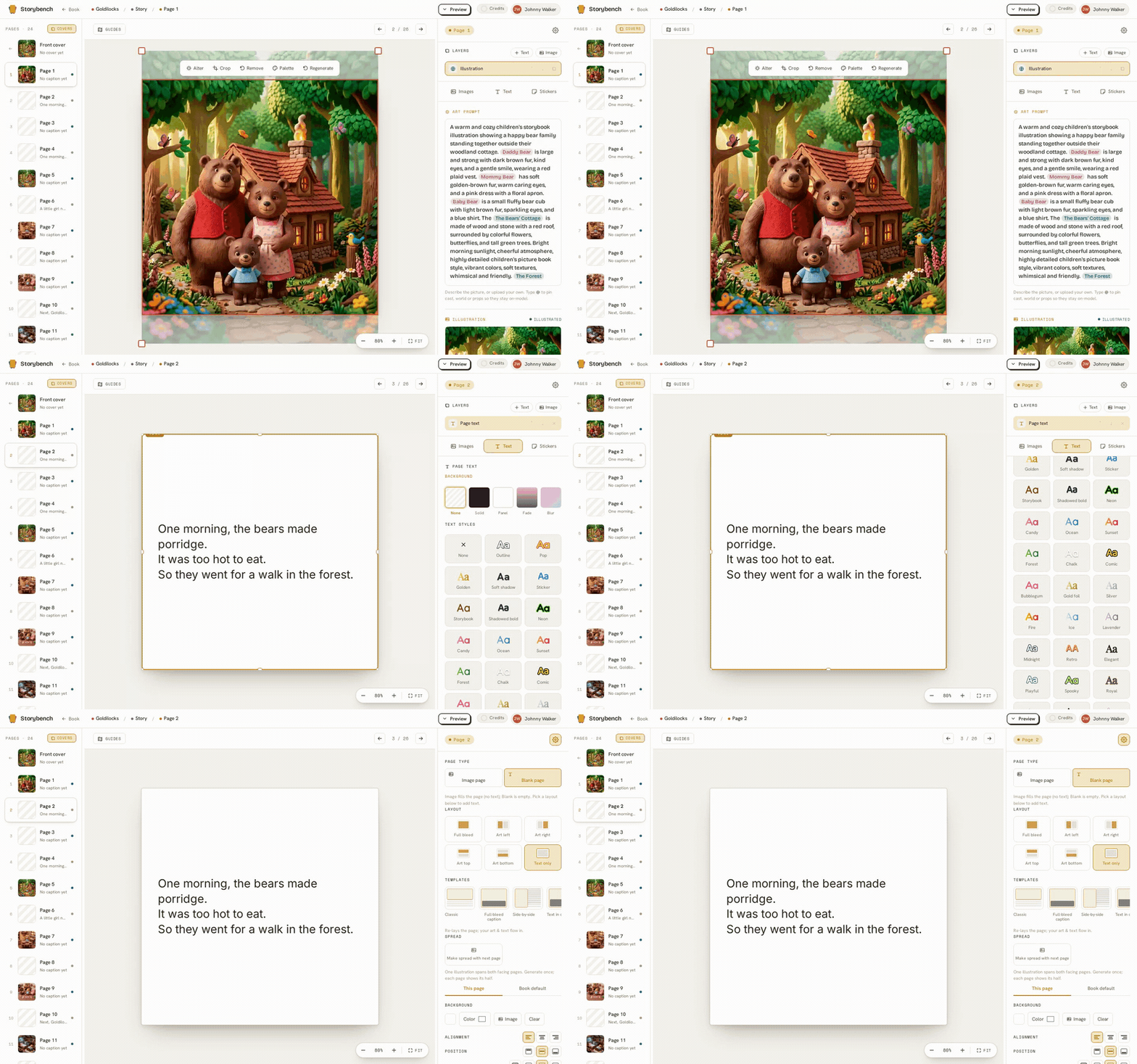
Text blocks are yours to place. Drag your words to any corner of the page, resize them, and set them exactly where they read best. The page is a canvas now, not a fixed template.

Set your text right on the art
New

Set your text right on the art

Lay your words over the illustration itself, with a soft backing behind them so they stay readable against a busy picture. It fades gently into the art instead of sitting in a hard box.

Start from a ready-made layout
New

Start from a ready-made layout

Don’t want to design from a blank page? Pick a built-in layout template (art on top with text below, a full-bleed picture with a caption, and more) and adjust from there. A running start whenever you want one.

Layer a second picture on top
New

Layer a second picture on top

Add an extra image on top of your page art, a small inset, a spot illustration, a cut-out of one of your characters, and position it right where you want it. More than one picture can share a page now.

Open a two-page spread
New

Open a two-page spread

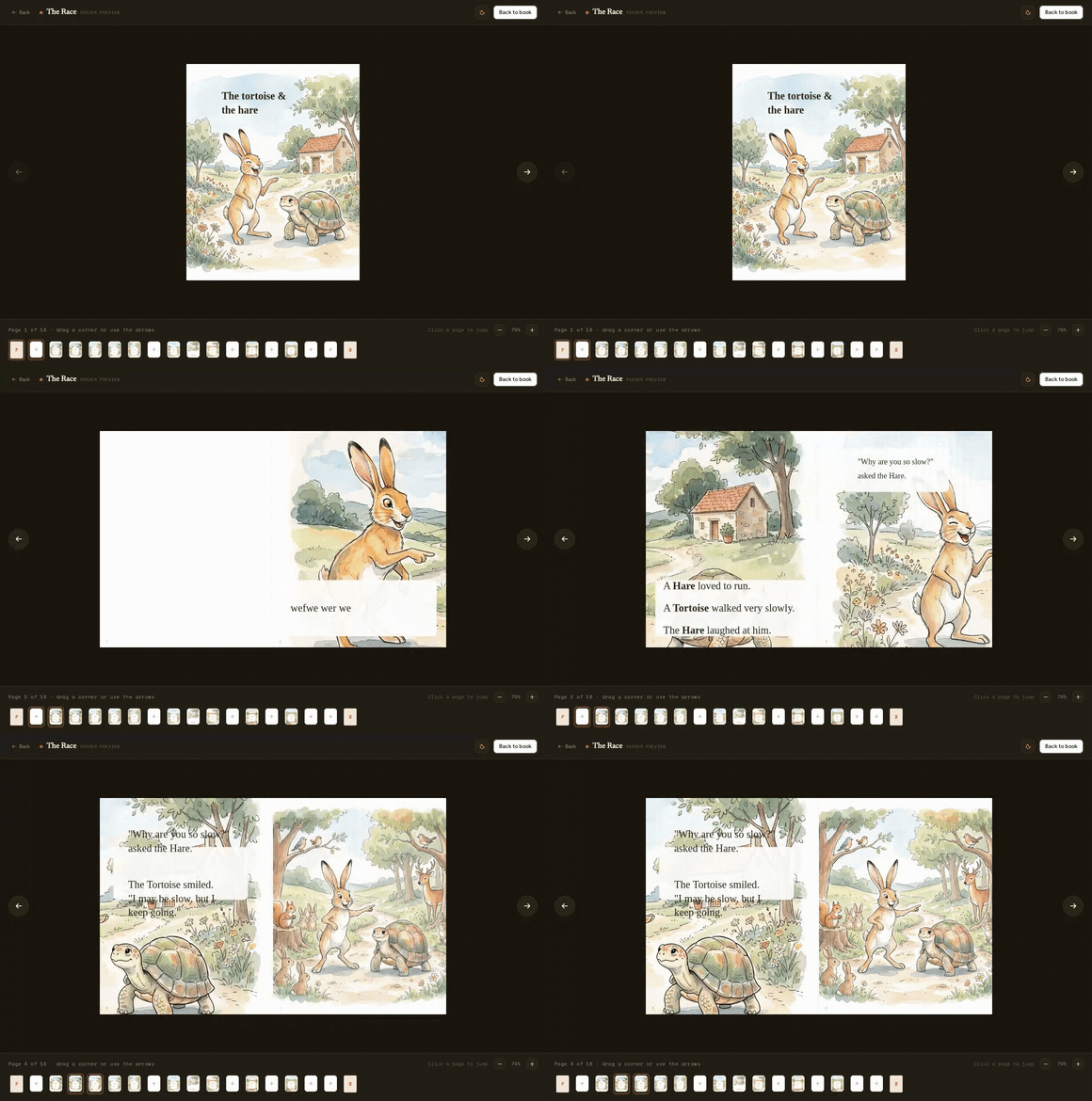
Let a scene run across the fold. Join two pages into a single spread and one illustration reads all the way across, with a gutter-safe guide so nothing important lands in the seam. It flows through the reader and every export the same way.

Edit any illustration without leaving your book
New

Edit any illustration without leaving your book

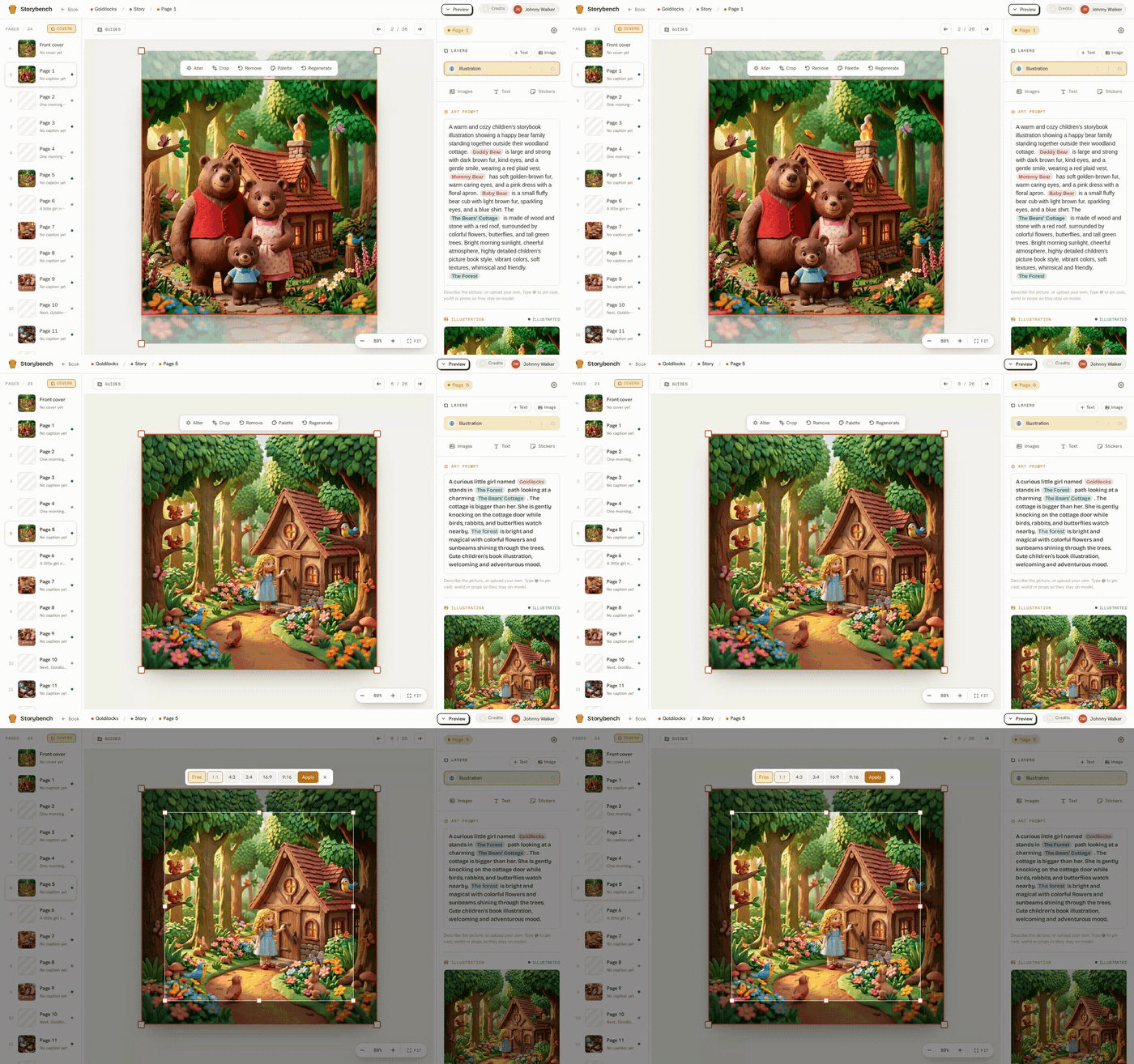
A built-in image editor for the pictures you’ve made: crop and reframe, ask for a small change (remove or swap something, or alter the look), and pull a color palette from the art. You can even snip part of a page and save it as a new reference for your cast.

Choose your book’s shape, then publish it
New

Choose your book’s shape, then publish it

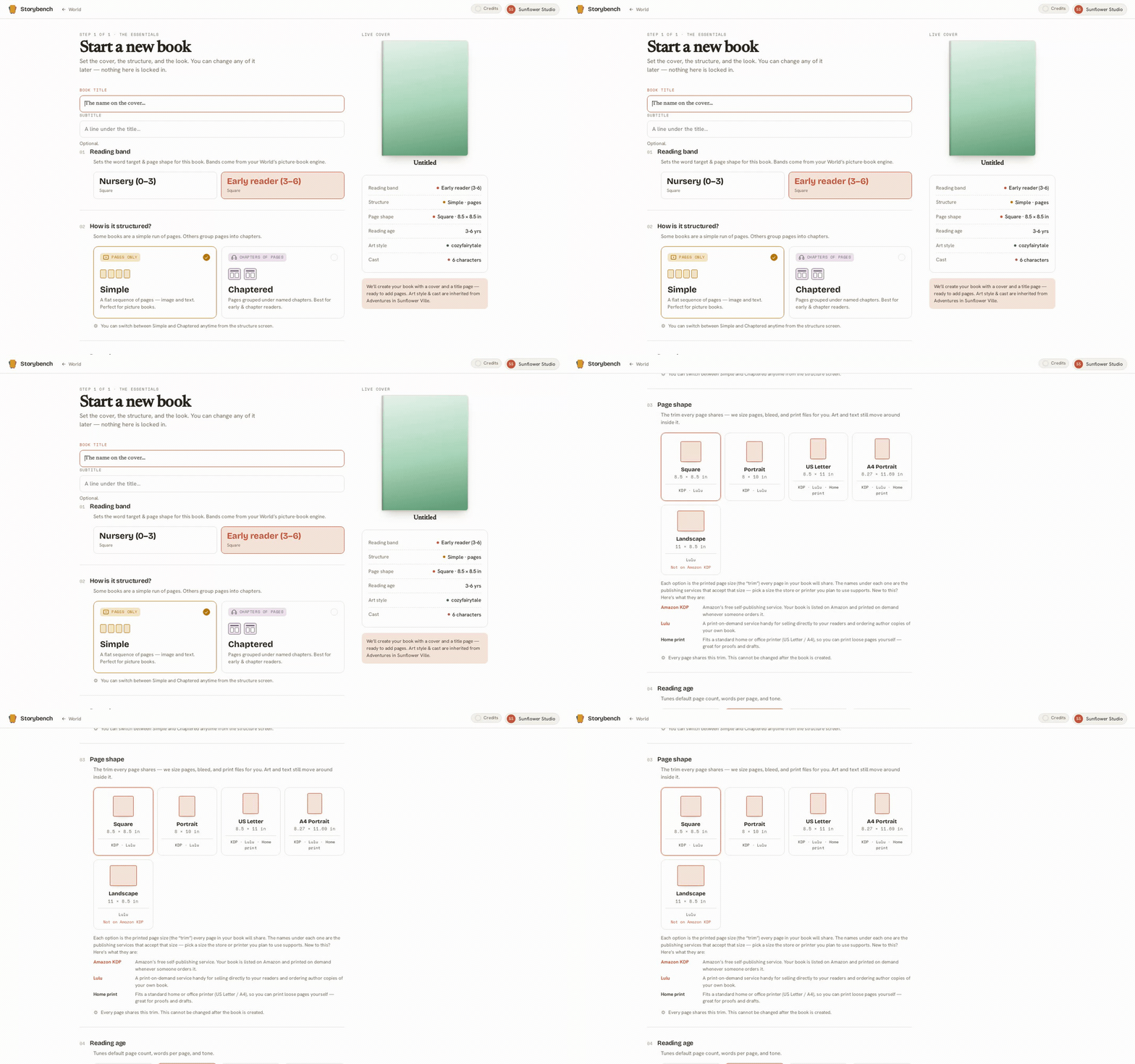
Pick your book’s shape once (square, portrait, landscape, or A4) and every page holds it. When you’re ready, export a print-ready PDF for Amazon KDP, a fixed-layout EPUB for Kindle Kids and Kobo, or your pages as individual images.

Read your book before you publish
Improved

Read your book before you publish

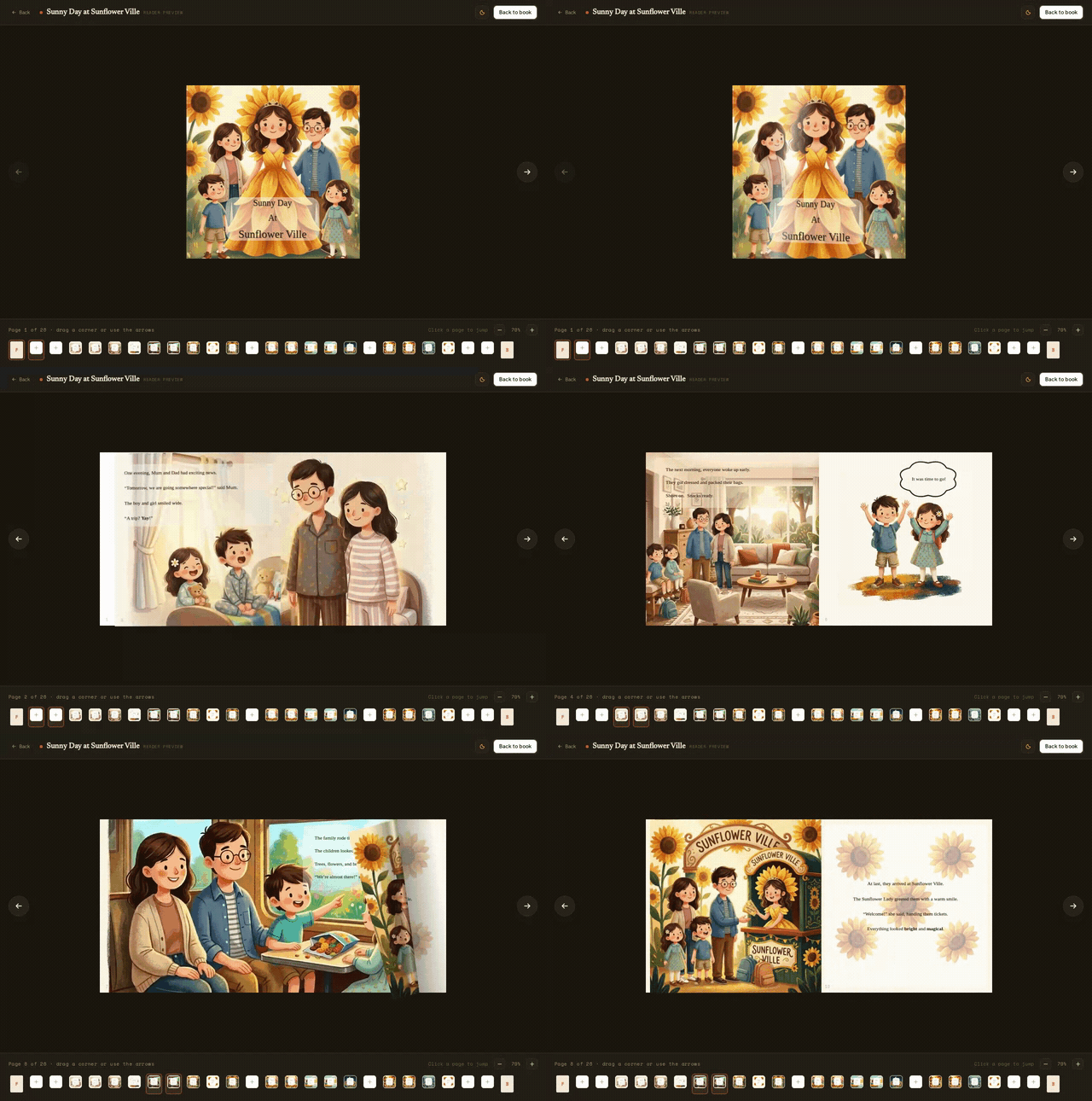
A proper reader preview: the cover opens, real page-turns flip left and right, and you can zoom in to check the details. See exactly how your book will feel in someone’s hands before you export a single file.

Write each page, then illustrate it
New

Write each page, then illustrate it

A real page editor: type your words with the fonts and colors you want, mention anyone from your cast right in the text, and describe the picture you’re after. The art comes back with your characters in it, and you move on to the next page.

Author your book, and your characters stay themselves
New

Author your book, and your characters stay themselves

The heart of Storybench. Build a character once, with reference pictures that fix how they look, and from then on your cast loads into every page automatically. You write your story a page at a time and illustrate each page, and your characters arrive looking like themselves, in your chosen style, without you typing a single style word or describing them again.

Give your story places to happen, and props that recur
New

Give your story places to happen, and props that recur

Your cast isn’t the only thing worth building once. Add the settings your story returns to (the meadow, the treehouse, the kitchen) and the props that keep showing up, and they stay consistent every time they appear, the same way your characters do.

Choose one look for the whole book
New

Choose one look for the whole book

Pick a visual style for your World once, from a range of looks (soft watercolor, claymation, storybook ink, and more), and every page you illustrate is drawn in it. One coherent look across the whole book, chosen with a click instead of fought for prompt by prompt.