Great story. Then the illustrations betray it?
You have the manuscript. What you do not have is a way to illustrate it where the hero on page one still looks like the hero on page twenty. Hire an illustrator and it is slow and costly. Reach for an image tool and it forgets your character the moment you close the tab. Either way, the writing was the easy part.
Storybench is built for the author who already has the words. You bring the story; the tool handles the one thing that keeps breaking: consistency.
Page one, page twenty
The words stay yours. Every one.
Your words, set down page by page, with the same hero beside them from first to last.
From your manuscript to a book you can sell.
1. Build your cast once
Create each character a single time, with reference pictures that fix how they look. Your cast is now saved, and it loads into every page automatically.
2. Write & illustrate, page by page
Type the page the way you wrote it. The AI detects your cast from the text and illustrates only them, inside the layout you set. You art-direct; it never writes a word.
3. Publish real files
Export a print-ready PDF for KDP and print-on-demand, an EPUB for the ebook stores, and PNG page images. The book stays yours.
4. Write the next book
Your cast and world are waiting for the next title. Book two reuses the same characters and look, so it is faster than the first.
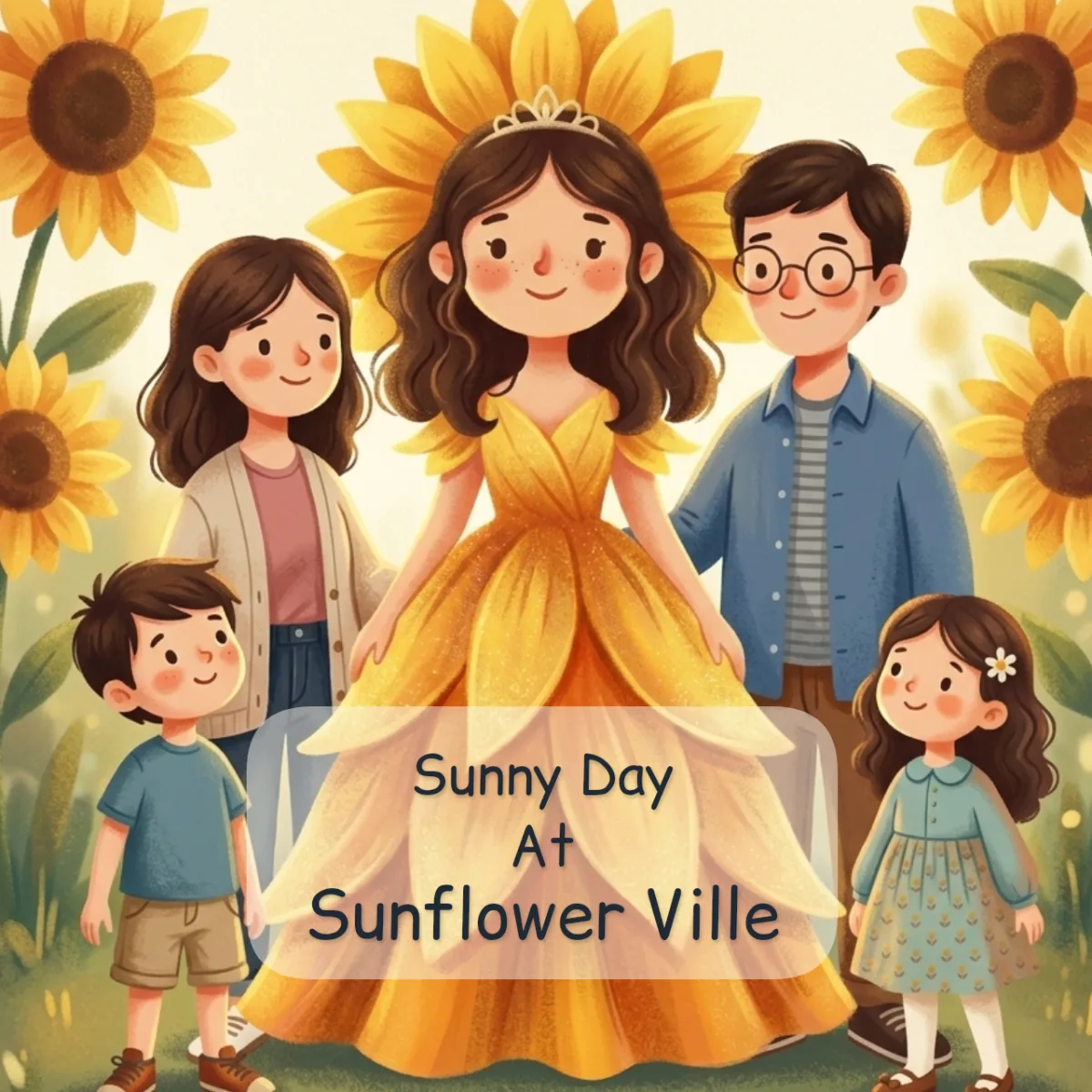
The same cast, on every page and every book.
Build your cast once.
You build each character a single time, with reference pictures that fix how they look. From then on your cast loads into every page automatically, so your hero looks like herself on page one and page thirty alike. You never re-describe her, and the AI can’t wander off into a stranger.
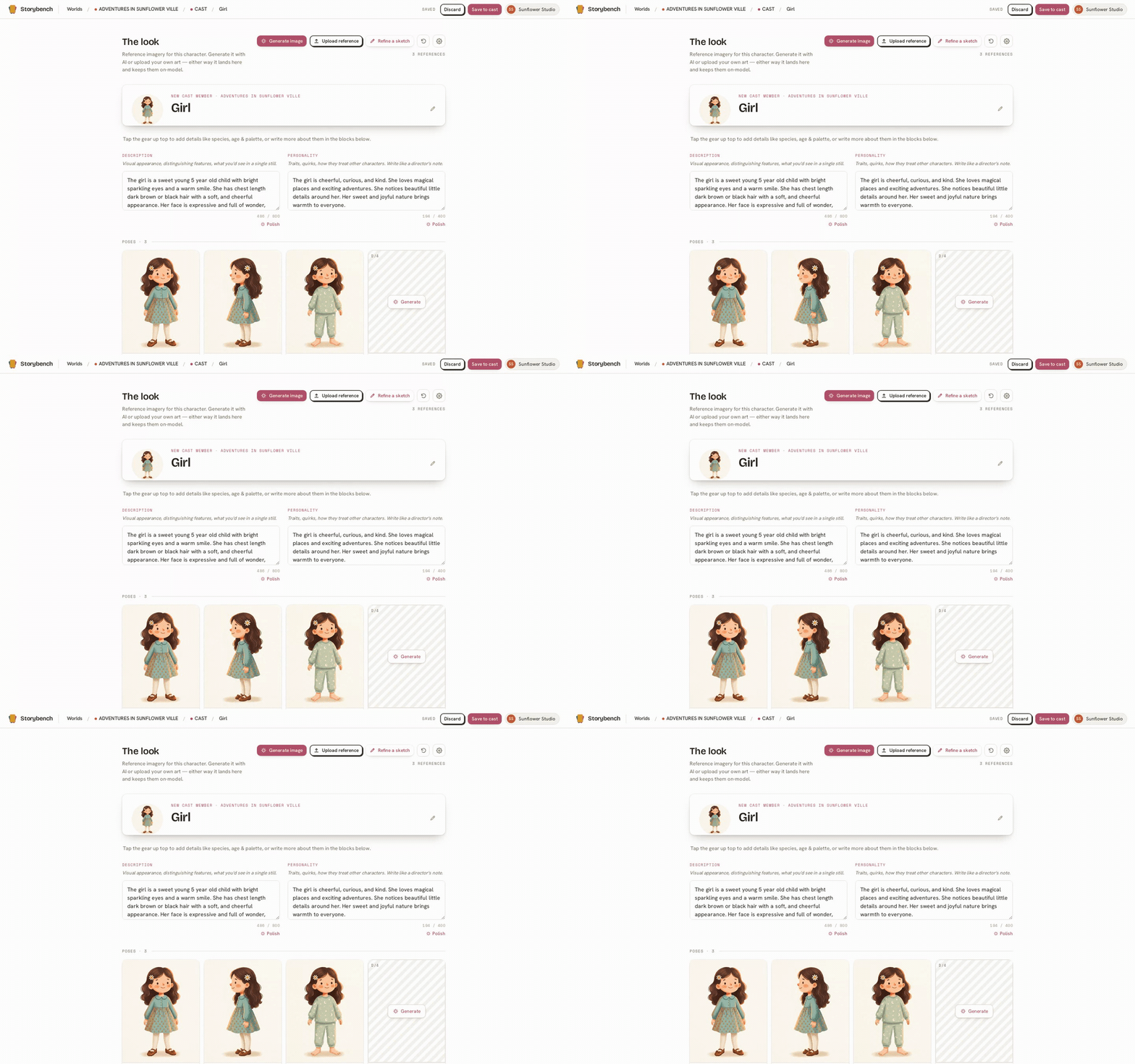
One World, a whole run of books.
Your cast lives in the World, not inside a single book. So every new title in your world reuses the same characters, the same look, the same world. The first book is the work. The second book is the easy one, because everything your readers came back for is already waiting.
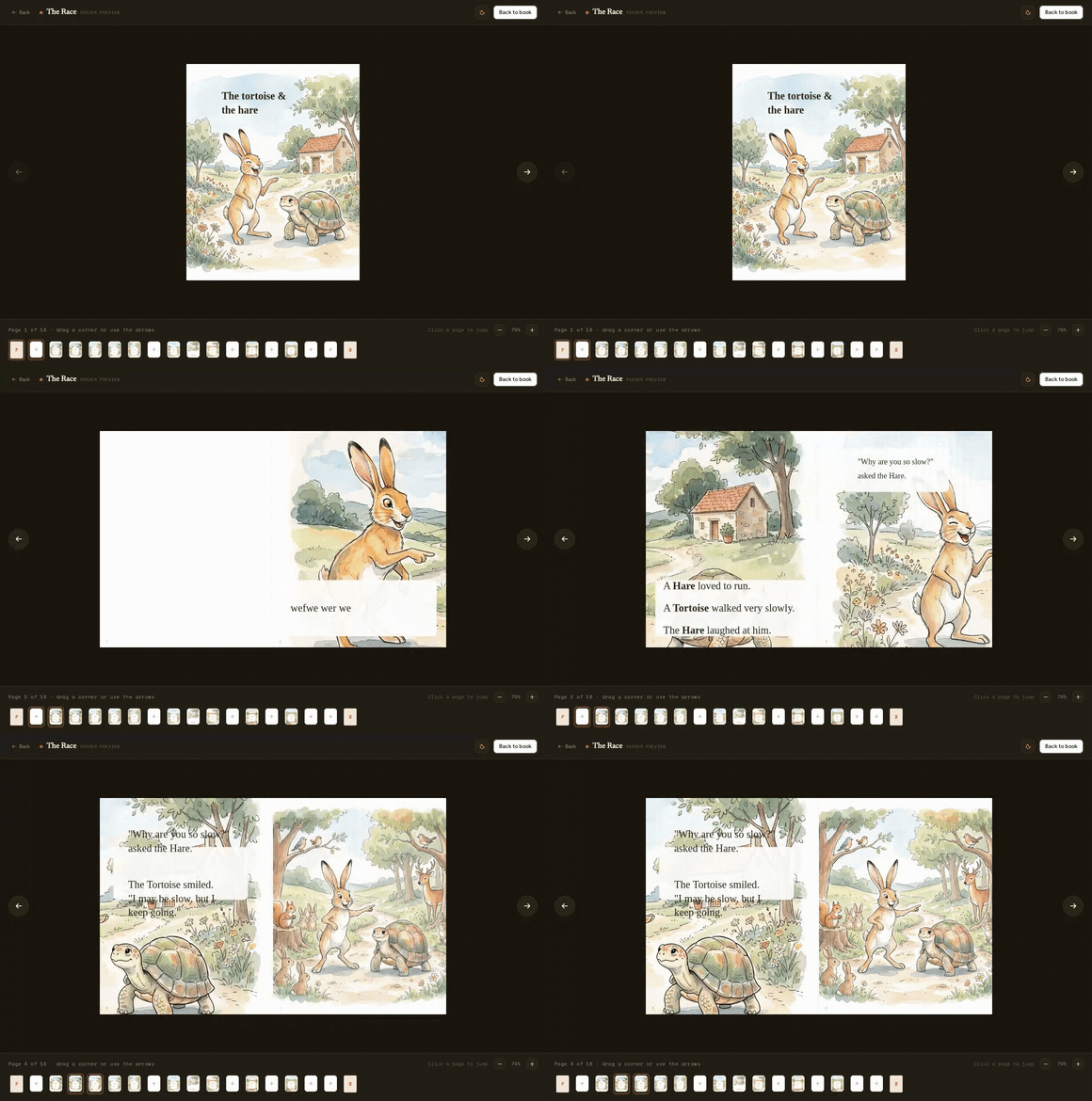
See it step by step: build your cast, make more books in your world, or take the full tour of the features.
Fair questions before you start
We treat keeping you in the author’s seat (and your cast consistent) as the actual job, not a nice-to-have. The story is yours; the illustrating is just the tool.
Does the AI write the story for me?
No. You write every word. The AI only illustrates what you wrote, and only ever draws the cast you built. The words and the plot stay yours.
I already have a manuscript. Can I just illustrate it?
Yes. Bring your written pages, build your cast once, and illustrate page by page in a style you choose. The AI draws inside the layout you set.
Will my main character look the same on every page?
Yes. Your cast lives in your world and loads into every page automatically, so your hero looks like herself from the first page to the last.
What can I publish, and do I keep the rights?
You export a print-ready PDF for KDP and print-on-demand, an EPUB for the ebook stores, and PNG page images. The book you write is yours to publish and sell.
Can I write more than one book?
Yes, that is the point. Your cast and world carry into the next title, so the second book starts from the same characters and look. It is the easy one.
Illustrate the book only you could write.
Create your account and start with your words. Free to begin.
Start creating