Build your cast once.
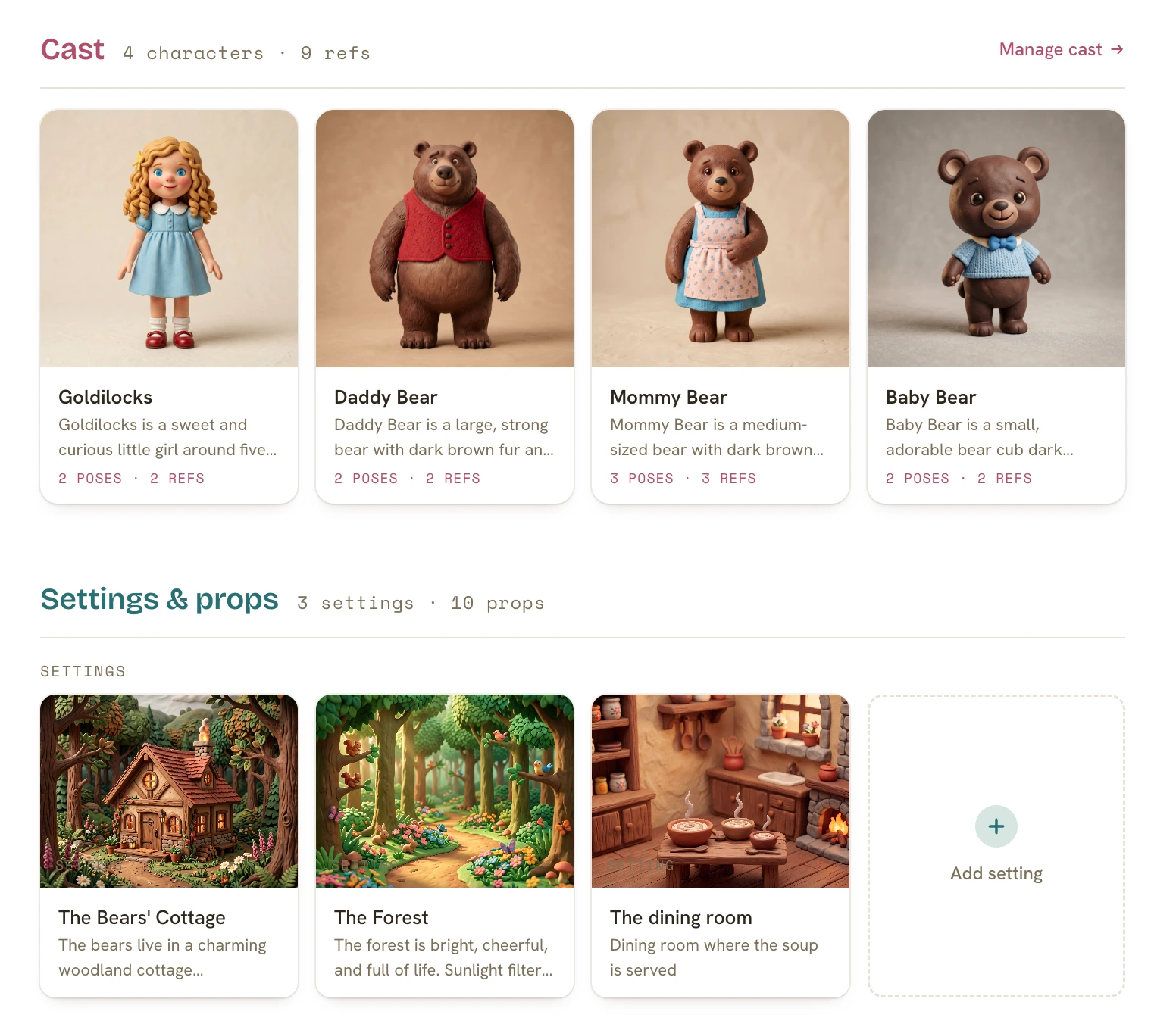
Your characters, settings & props (each with their own reference art and poses) are built a single time, then load into every page automatically, so your hero looks like herself on page one and page twenty alike.
You write the words. The AI only draws them, and only your cast. Here’s a proper look at what’s actually inside: the cast that keeps your characters consistent, the illustrator that reads your story, the page editor that makes you the art director, and the finish that gets your book into the world.
Seven things it does. All of them keep you in the author’s seat.
Your characters, settings & props (each with their own reference art and poses) are built a single time, then load into every page automatically, so your hero looks like herself on page one and page twenty alike.
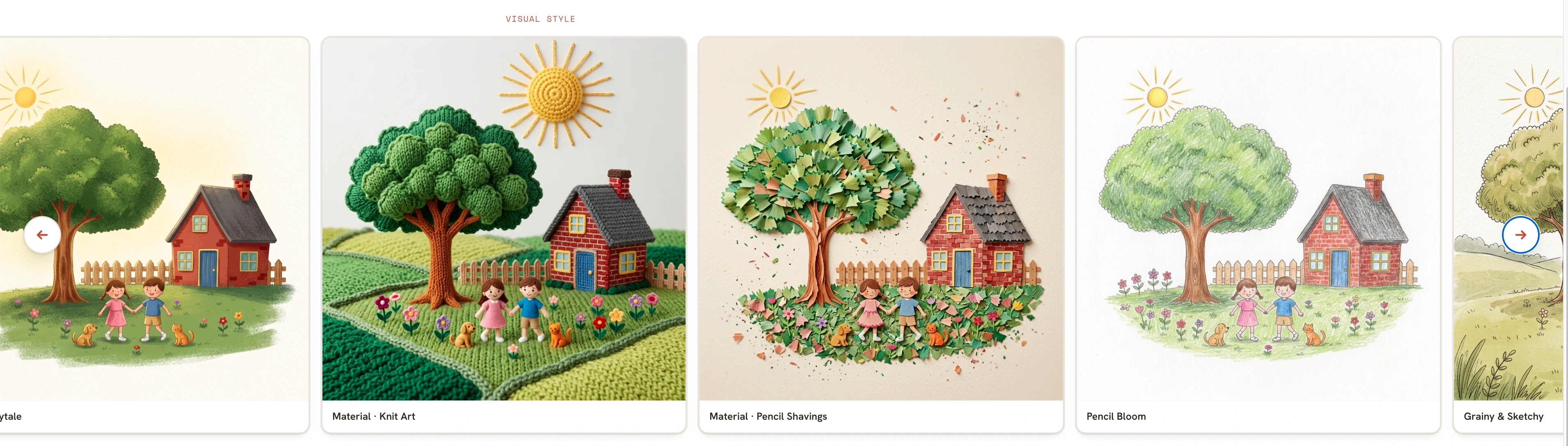
See one scene drawn across a range of AI illustration styles (watercolor, claymation, pencil, naif, knit, and more) and choose the feel once. Every page keeps it, with no style words to type, ever. Prefer your own art? You can bring that too.
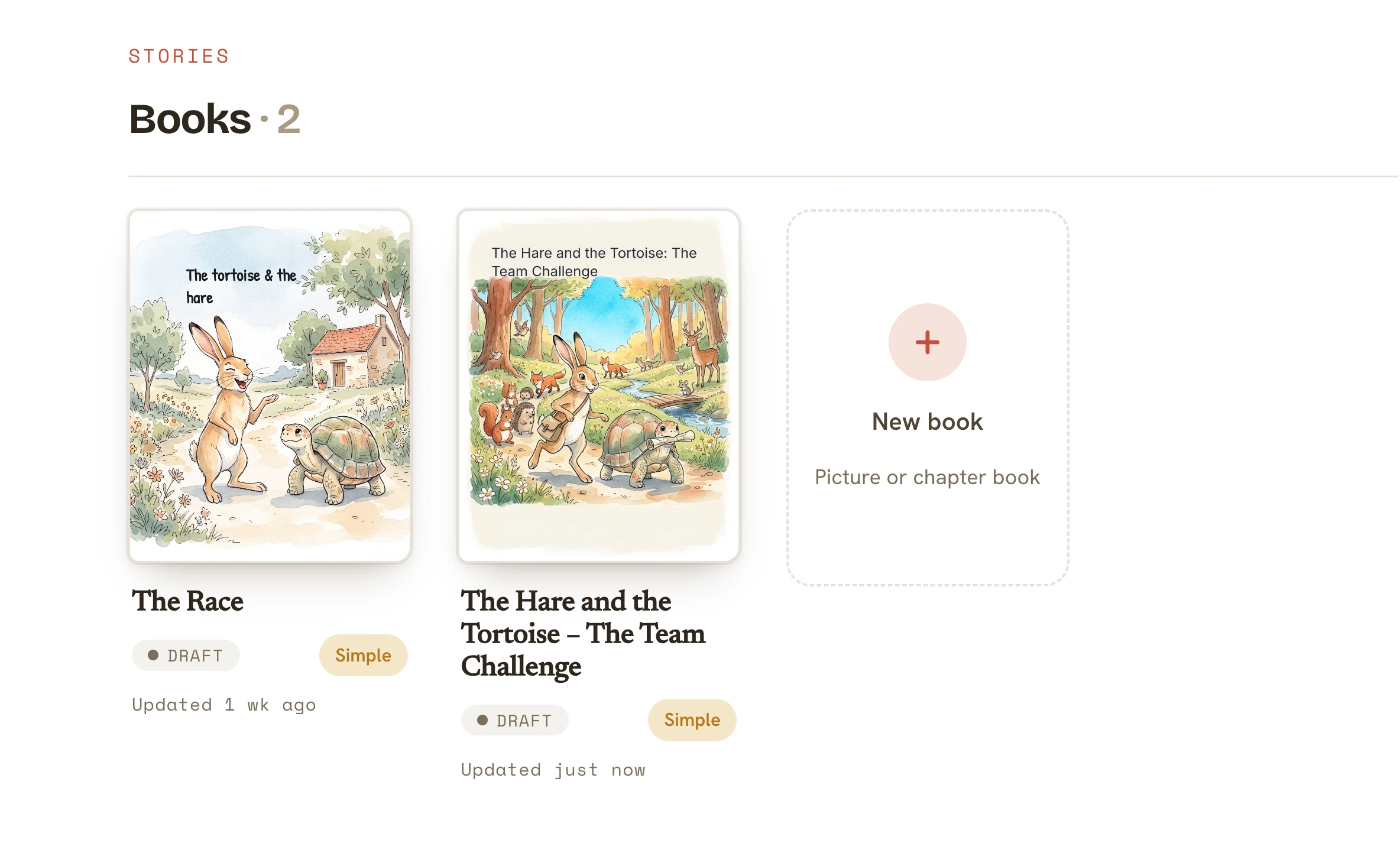
Recurring characters are the whole reason a kid asks for the same book again. So the second book is the easy one: the cast, the world & the style all carry straight into the next title. You’re just telling the next story.
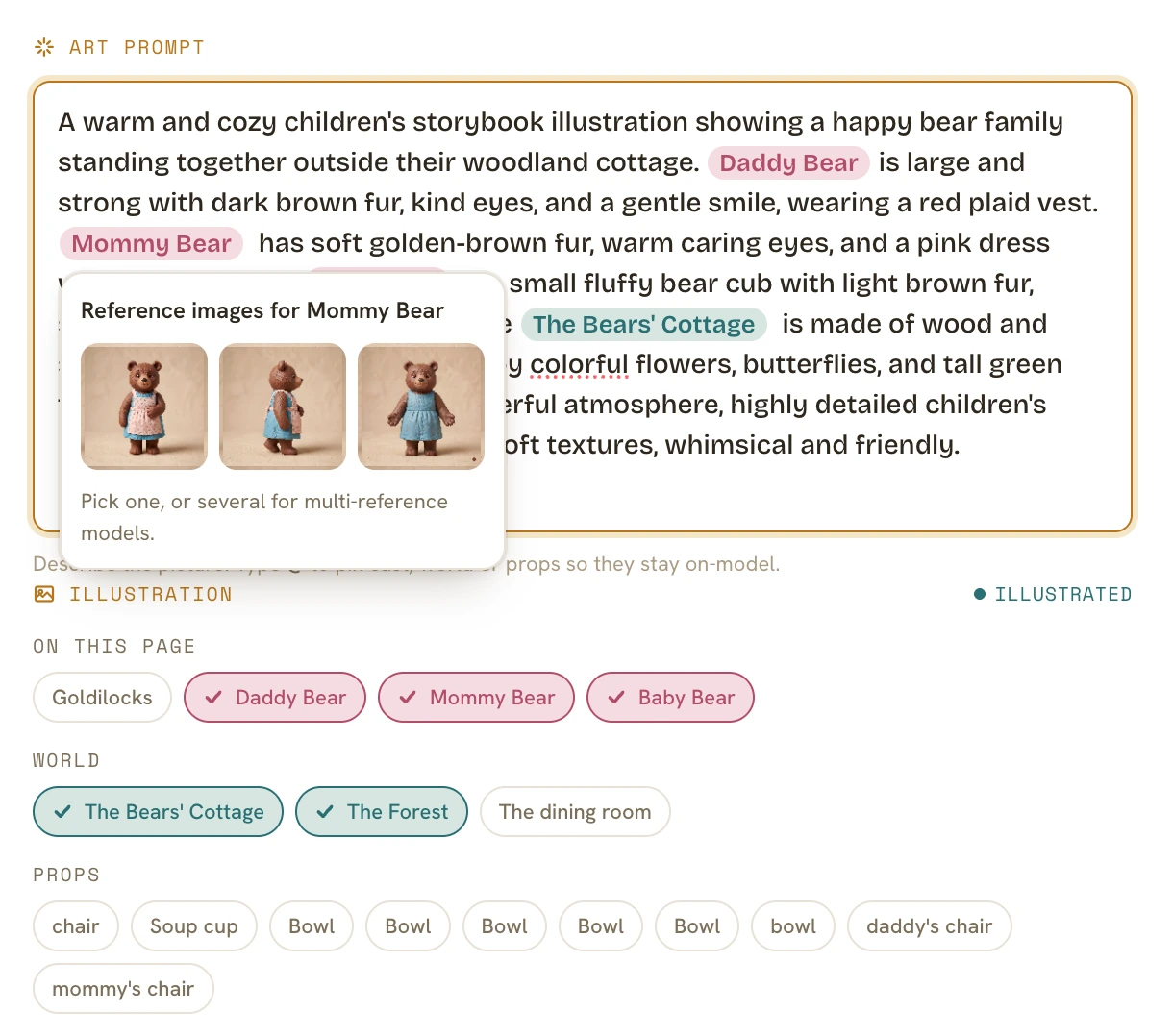
Write the page the way you’d read it aloud. It detects your cast, world & props from the text, shows them as pills you confirm, and illustrates only what you wrote. It never invents a stranger. The AI is the assist here, not the only way: bring your own art whenever you’d rather.
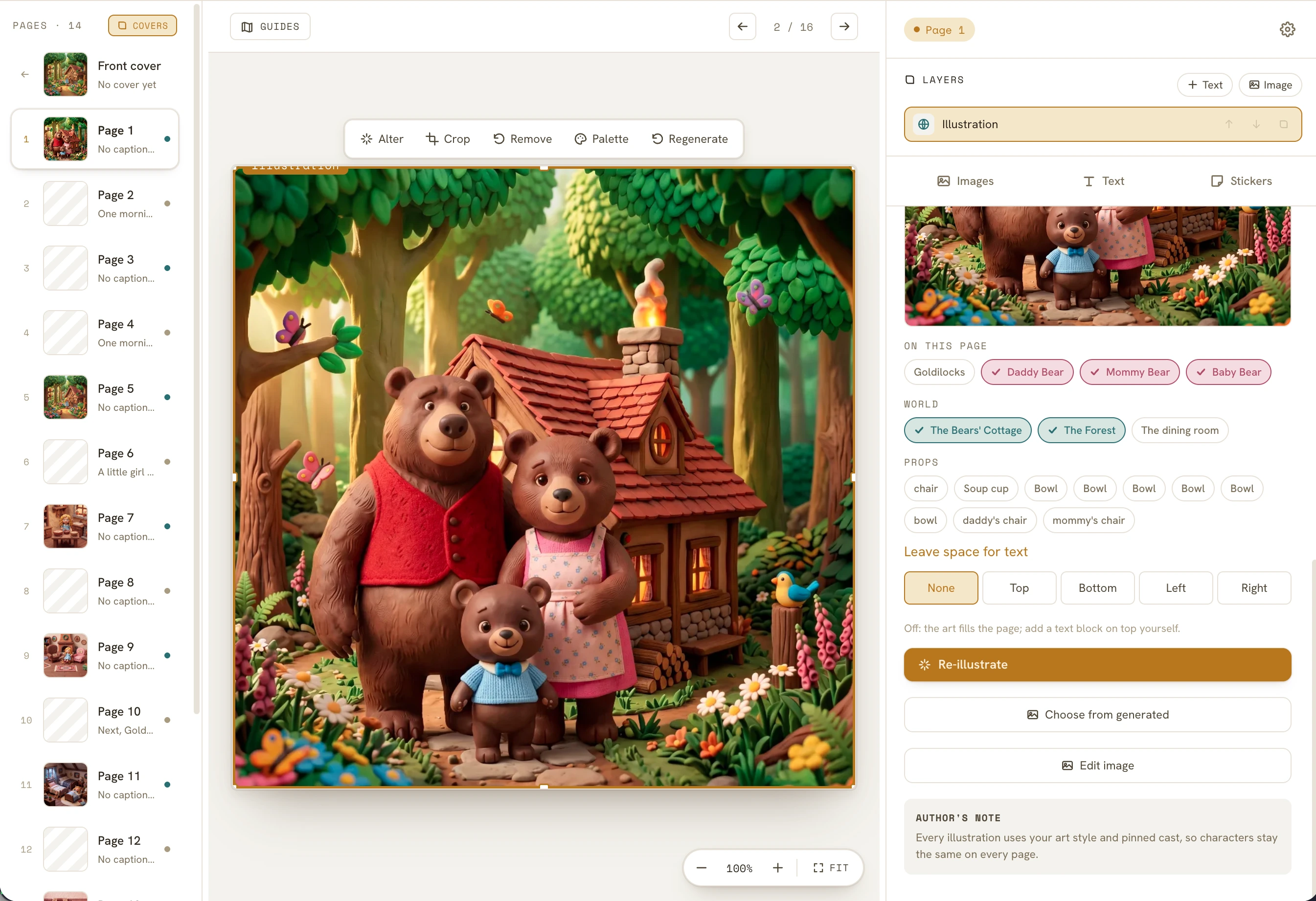
A real page editor, not a template: layer text, images & stickers, place every element to the pixel, and tell the AI where to leave room for your words before it draws. You set the frame; it illustrates inside it.
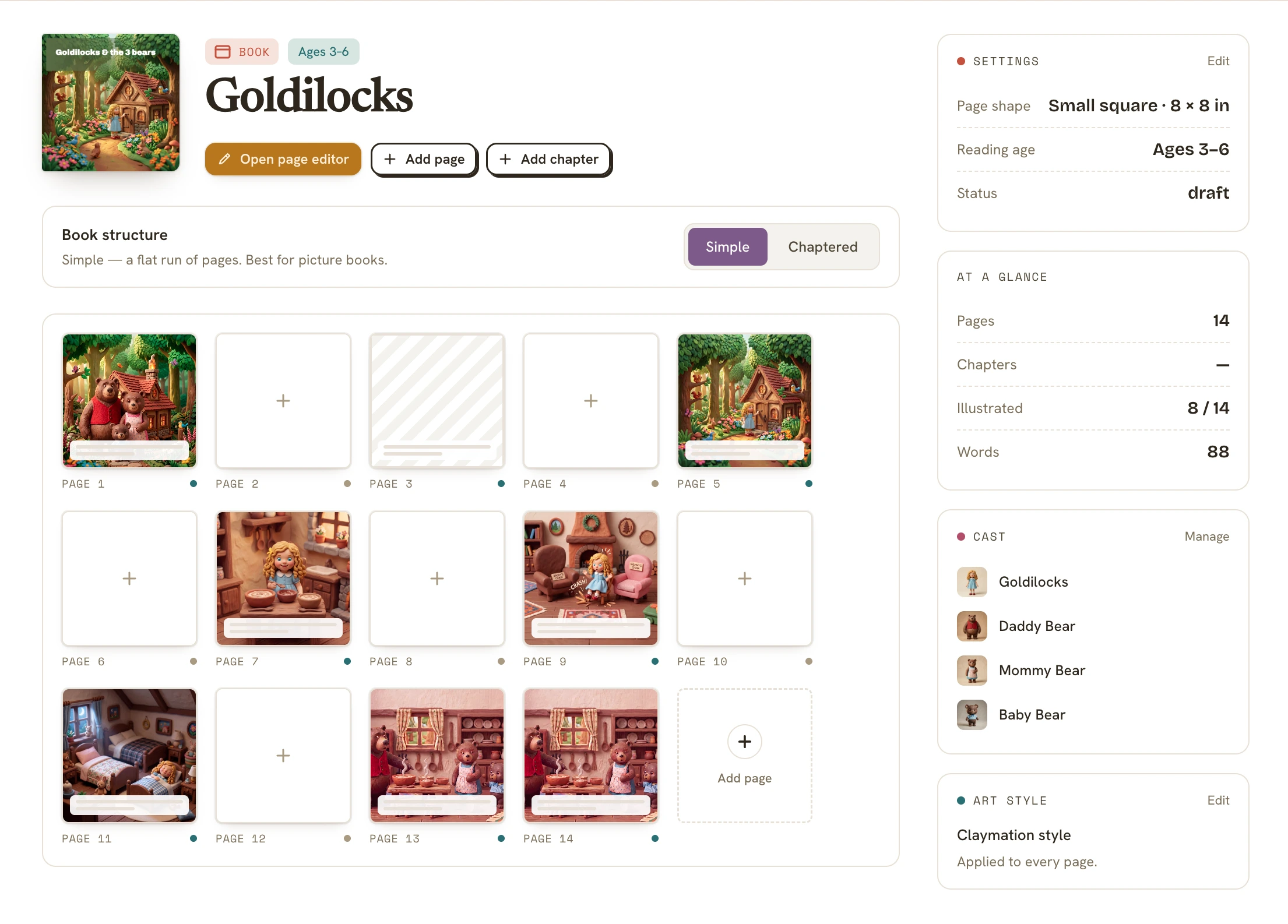
Every page in one grid (simple or chaptered, whatever your story needs) with the counts that matter always one glance away: pages, words, illustrations, your cast, your style. Click any page to drop into its editor.
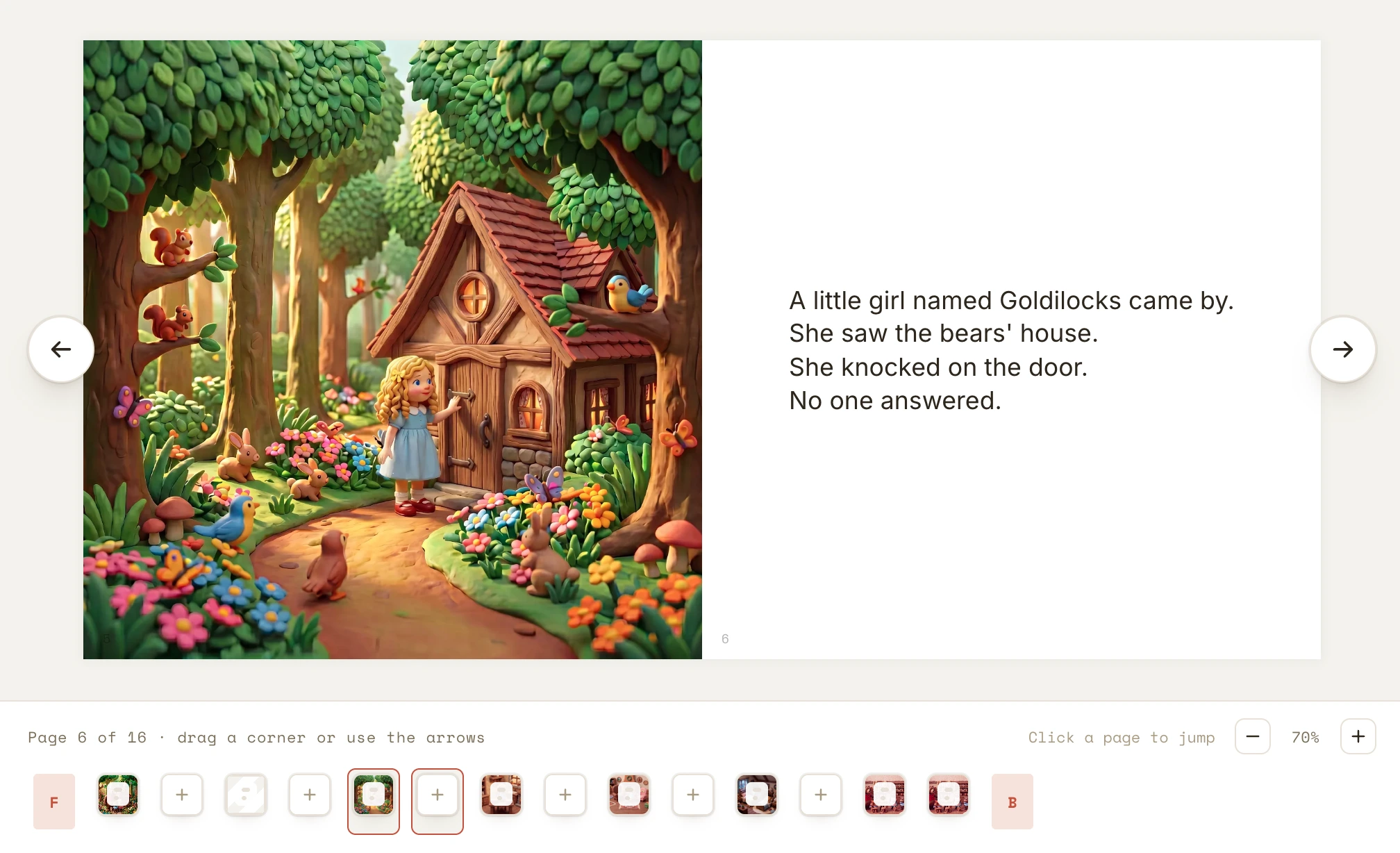
Flip through the finished thing, page by page, exactly the way a reader will. When it reads right, you publish: a print-ready PDF for KDP, an EPUB for the ebook stores, or image files of every page to share anywhere.
Every one of these exists for the same reason: to keep you the author and the art director, and to keep your cast looking like itself. That’s the actual job. Everything else is in service of it.
Create your account and start with your words. The keys are yours.
Start creating