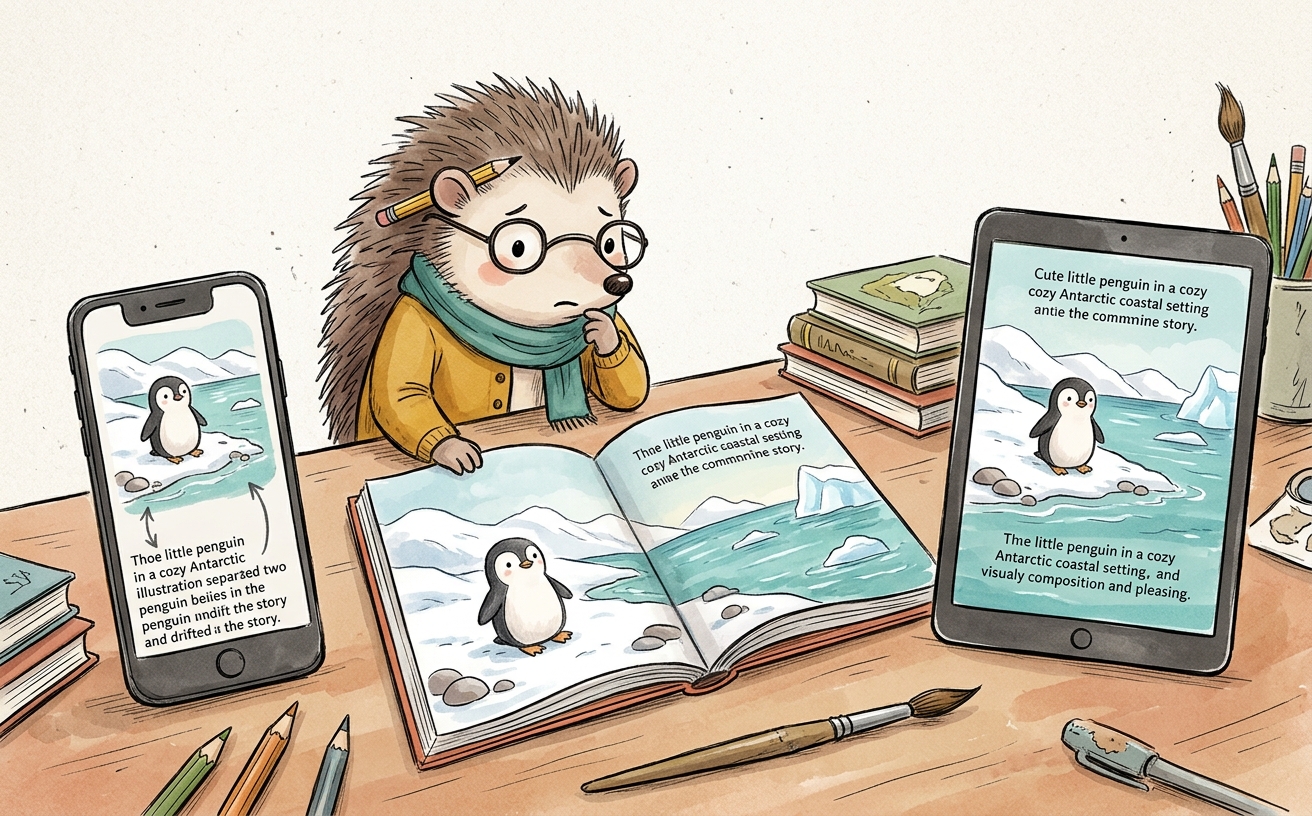
You exported your picture book as an EPUB, opened it on a phone, and the art and the words came apart: the illustration on one screen, the line of text floating somewhere else, your careful page now a mess. That's not a bug in your book. That's a standard reflowable EPUB doing exactly what it's built to do, which is the wrong thing for a picture book.
The fix has a name. Picture books need fixed-layout EPUB, not the standard reflowable kind. Here's what that means and when it matters.
What's the difference between reflowable and fixed-layout EPUB?
A reflowable EPUB treats your book like a stream of text that pours to fit whatever screen it lands on. Make the font bigger, the text reflows. Rotate the phone, it reflows again. Great for a novel, where a paragraph doesn't care which words sit at the top of the screen.
A fixed-layout EPUB locks each page as a designed unit: this image, this text, this position, always together. The page looks the same everywhere, like a tiny photograph of the spread you built. The reader can zoom, but they can't scramble it.
Why does reflowable break a picture book specifically?
Because in a picture book the position is the meaning. The text sits under the fox for a reason. The page turn lands on a reveal for a reason. Reflowable EPUB doesn't know any of that. It sees an image and some words and rearranges them to fit, and your reveal turns into the fox on one screen and the punchline three screens later.
Imagine your last page: the whole point is the picture and the final line together, the quiet beat at bedtime. Reflow it and the line drifts off on its own. The joke dies. The hush evaporates. The thing you spent the most care on is the thing that breaks first.
So is fixed-layout always the right call?
For an image-heavy book where layout carries the story, yes. For mostly-text books (a chapter book, an early reader that's more words than pictures) reflowable is often the friendlier choice, because readers want to bump the font size up. The honest rule:
- Art and text must stay together on the page? Fixed-layout.
- Mostly text, readers will resize it? Reflowable is fine, often better.
The trade-offs to know going in: fixed-layout files are larger (they carry the full art), and device support is a little less universal than plain reflowable. For a picture book those are easy trades. A book that reads correctly and a little heavier beats a light book that falls apart.
How do I make a fixed-layout EPUB without fighting the file?
You can hand-build the EPUB markup, but it's fiddly, and one wrong setting and your reader's app silently treats it as reflowable again. The simpler path is to use a tool that knows your book is a picture book and exports fixed-layout by default, so the spread you designed is the spread that ships.
That's how Storybench handles it: the EPUB you export keeps each page intact, so the art and text you placed stay placed. The same book also exports a print-ready PDF for KDP and image posts for social, so one book reaches every shelf. The for creators page shows where export fits in the flow.
Frequently asked questions
What is a fixed-layout EPUB?
A fixed-layout EPUB locks each page's image and text in place so the page looks identical on every device, instead of reflowing the text to fit the screen. It's the format picture books need.
Can I use a normal EPUB for a picture book?
You can, but a standard reflowable EPUB will separate your art from its text and break your page turns. For a picture book, use fixed-layout.
Do I need both an EPUB and a print PDF?
If you want to sell an ebook and a printed book, yes: EPUB for ebook stores and a print-ready PDF for KDP or print-on-demand. A good tool exports both from the same book.
Is a fixed-layout EPUB file bigger?
Usually, because it carries the full-resolution art for each page. For an illustrated book that's a fair trade for pages that don't fall apart.
Your pages were built to be looked at a certain way. Keep them that way. When you're ready to publish yours, start your book and export a book that stays put.