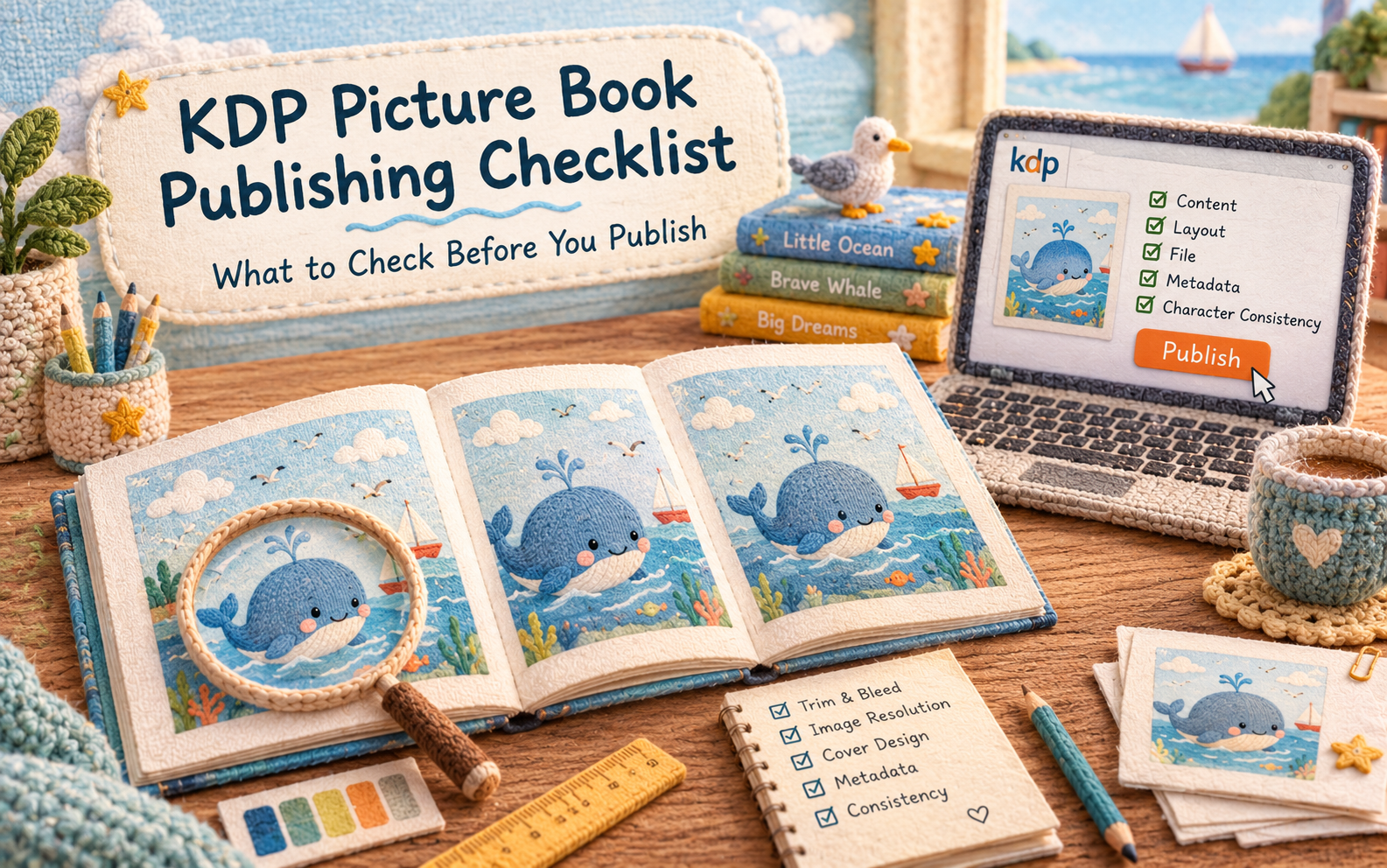
You're hovering over the publish button on KDP, and your stomach's doing a thing. Good instinct. A picture book has a handful of small mistakes that are cheap to fix now and embarrassing to fix after a hundred people have downloaded the wrong file. So before you click, run this list.
Here's the short version: check the content, then the layout, then the file, then the metadata, and last, the one most people skip, check that your character looks the same on every page.
The pre-publish checklist
Work top to bottom. Each line is one quick look.
- Read it aloud, all the way through. Out loud catches what your eye skips: a clunky line, a missing word, a page that doesn't turn right.
- Spell-check, then human-check. Spell-check won't flag "there" for "their" or a kid's name spelled two ways. Read for that on purpose.
- Confirm your page count works for print. Picture books usually land near 32 pages for printing reasons. Make sure yours fits a sensible count and includes any title and copyright pages.
- Check trim size and bleed. Your file's trim has to match the size you chose on KDP, and full-page art needs to extend into the bleed so there's no white sliver at the edge. (TODO: verify current KDP trim and bleed numbers against KDP's own spec page before relying on a figure.)
- Check image resolution. Art that looks crisp on screen can print muddy if it's low resolution. Make sure your illustrations are high enough quality for print.
- Look at your cover separately. The cover is its own file with its own spec (front, spine, back). Eyeball the title, your name, and that nothing important sits in the trim zone.
- Fill in metadata carefully. Title, author, description, age range, and categories. This is how people find the book, so it's worth more than thirty seconds.
- Preview in KDP's previewer. Don't trust your local file. Use KDP's own preview to see the book the way it'll print, page by page.
- Do the consistency check. Flip through and ask the cruel question: does your main character look like the same character on page one and page twenty? Same face, same colors, same details? Kids will notice if she doesn't.
Which of these trips people up the most?
Two of them. Trim-and-bleed, because it's invisible until the printed book shows a white edge or a chopped-off head. And consistency, because it's the one no spec-checker flags. KDP will happily publish a book where your hero is a redhead on page three and a brunette on page nine. Nobody's algorithm catches that. Your reader's four-year-old does, instantly.
So if you only obsess over one thing on this list, obsess over consistency. It's the difference between "a real book" and "a stack of pictures that happen to be stapled together."
Can't some of this be handled for me?
Some of it, yes. The mechanical items (matching trim, including bleed, exporting a print-ready file, holding one style across the book) are exactly the kind of thing a book-first tool should take off your plate so you can spend your worry budget on the words.
That's the bet behind Storybench: your character is a saved cast member, so consistency isn't something you police page by page, it's the default. And the export is print-ready, so the trim and bleed match what you picked. You still read it aloud and check the metadata; nobody can do those for you. The for creators page shows where it all sits in the flow.
Frequently asked questions
What should I check before publishing on KDP?
Read the book aloud, spell-check and human-check the text, confirm page count, match trim size and bleed, verify image resolution, review the cover, fill in metadata, preview in KDP, and confirm your character looks consistent on every page.
What's the most common reason a picture book looks amateur?
Character drift: the main character changing look from page to page. It's the one thing no automated check flags, and the first thing readers notice.
Do I need to worry about bleed for a picture book?
Yes, if your art runs to the edge of the page. Full-bleed art must extend past the trim line so trimming doesn't leave a white margin. Verify the exact bleed amount against KDP's current spec.
Can I republish if I find a mistake after publishing?
Usually yes, you can upload a corrected file. But it's far less painful to catch it on this checklist than after copies are out in the world.
Run the list, fix the small stuff, then click the button with a clear conscience. When you're ready to build the kind of book where the consistency check passes on the first try, start your book.