Give the whole book away.
Free reads, classroom favorites, a portfolio that does the talking. A taste of the next book, so readers are waiting for it.
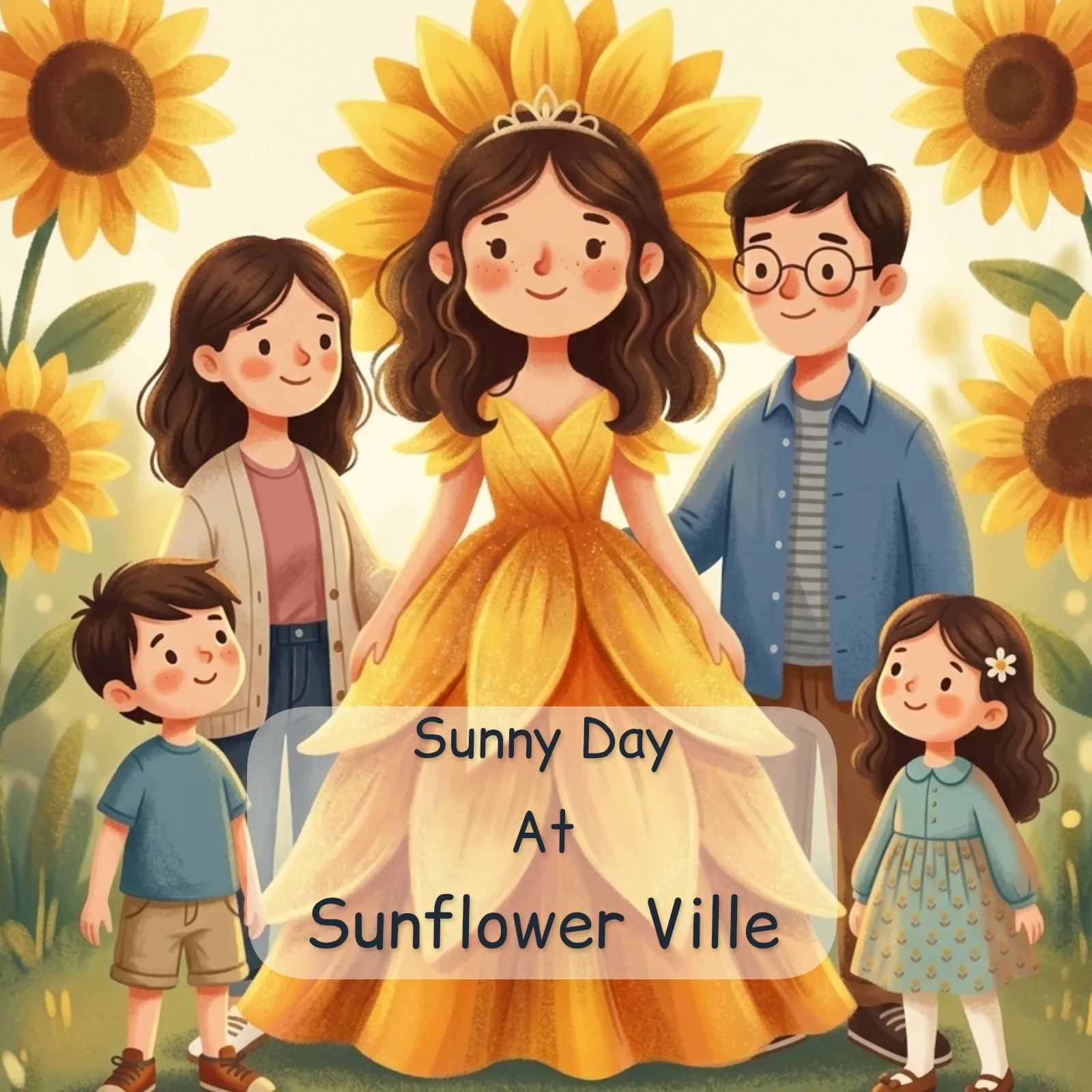

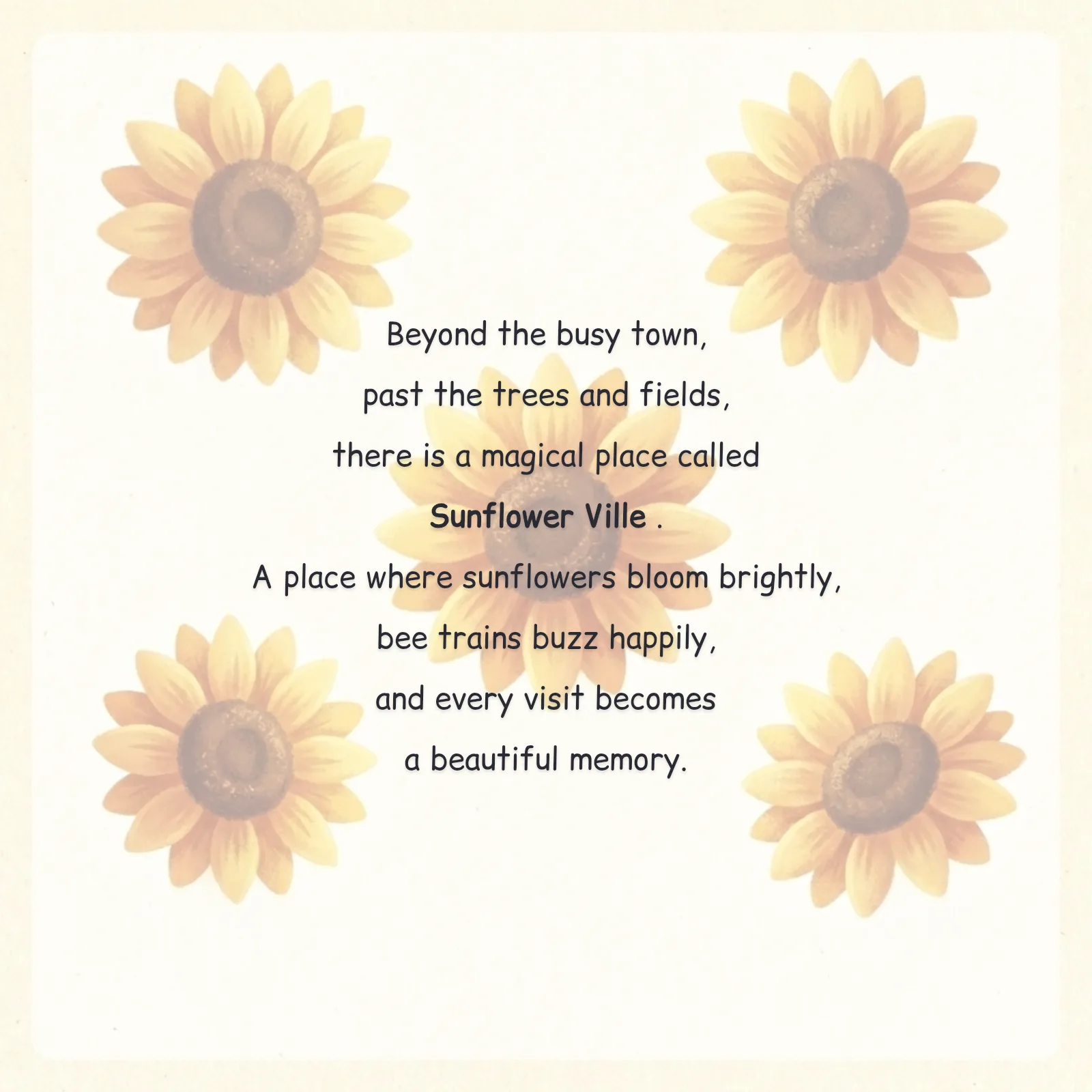
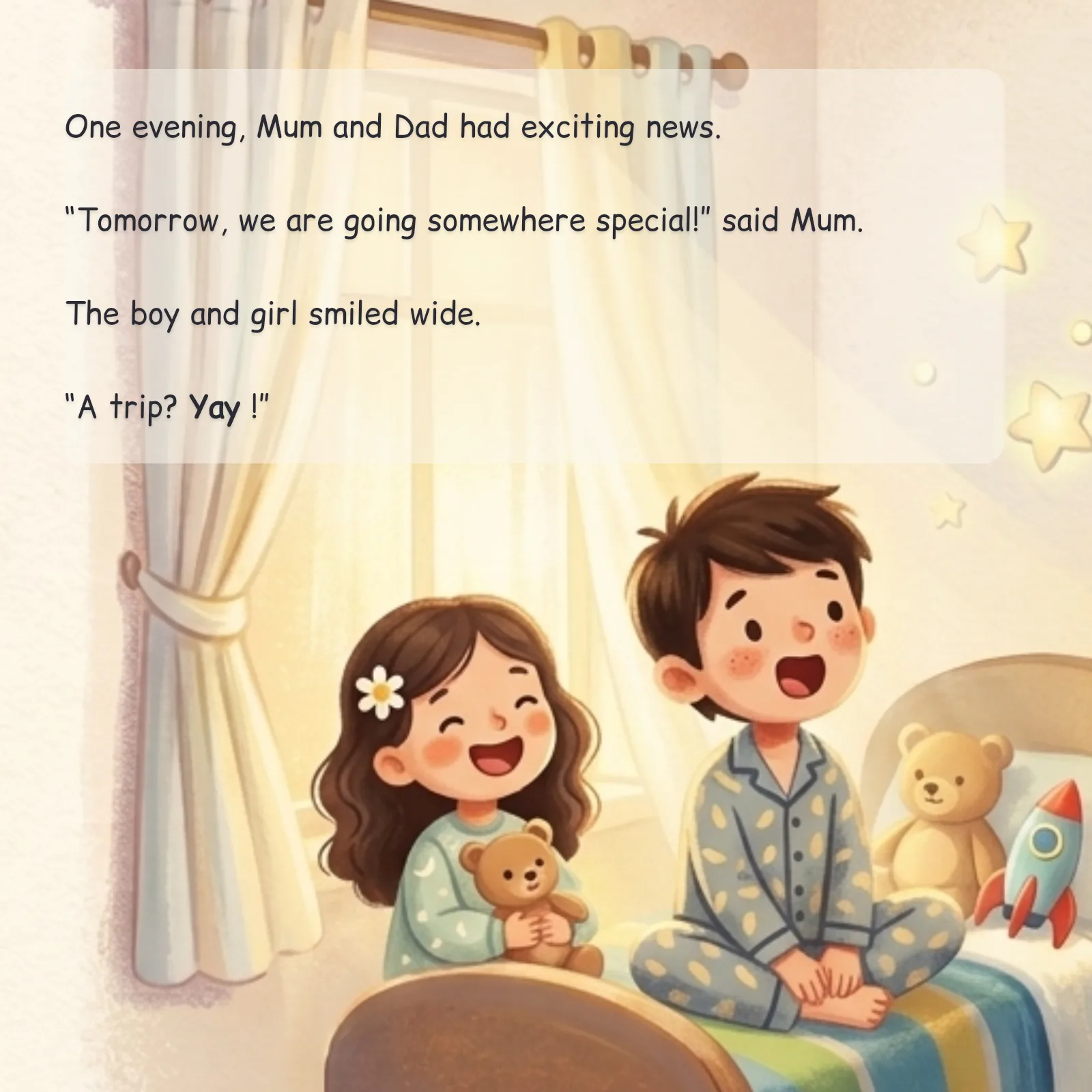

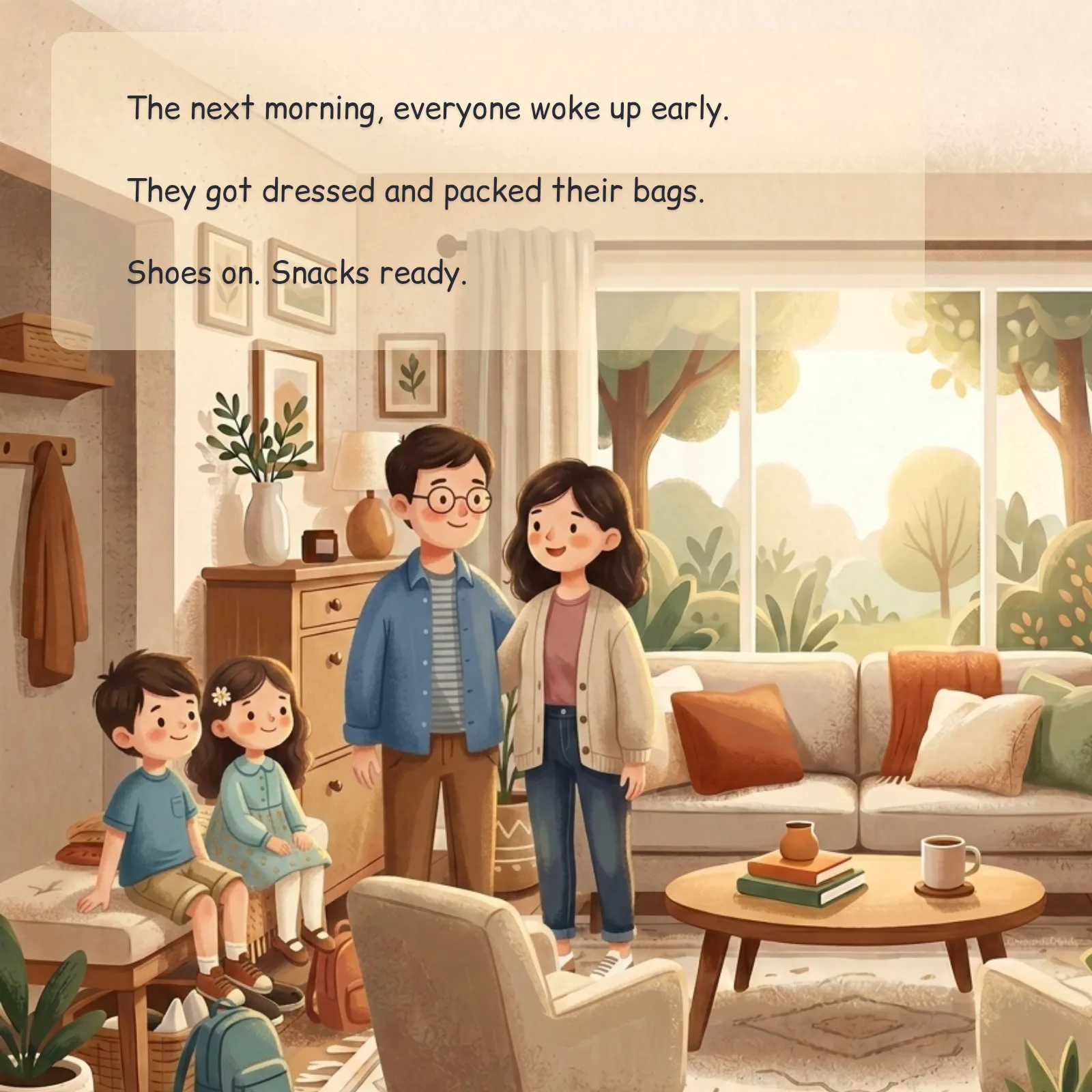
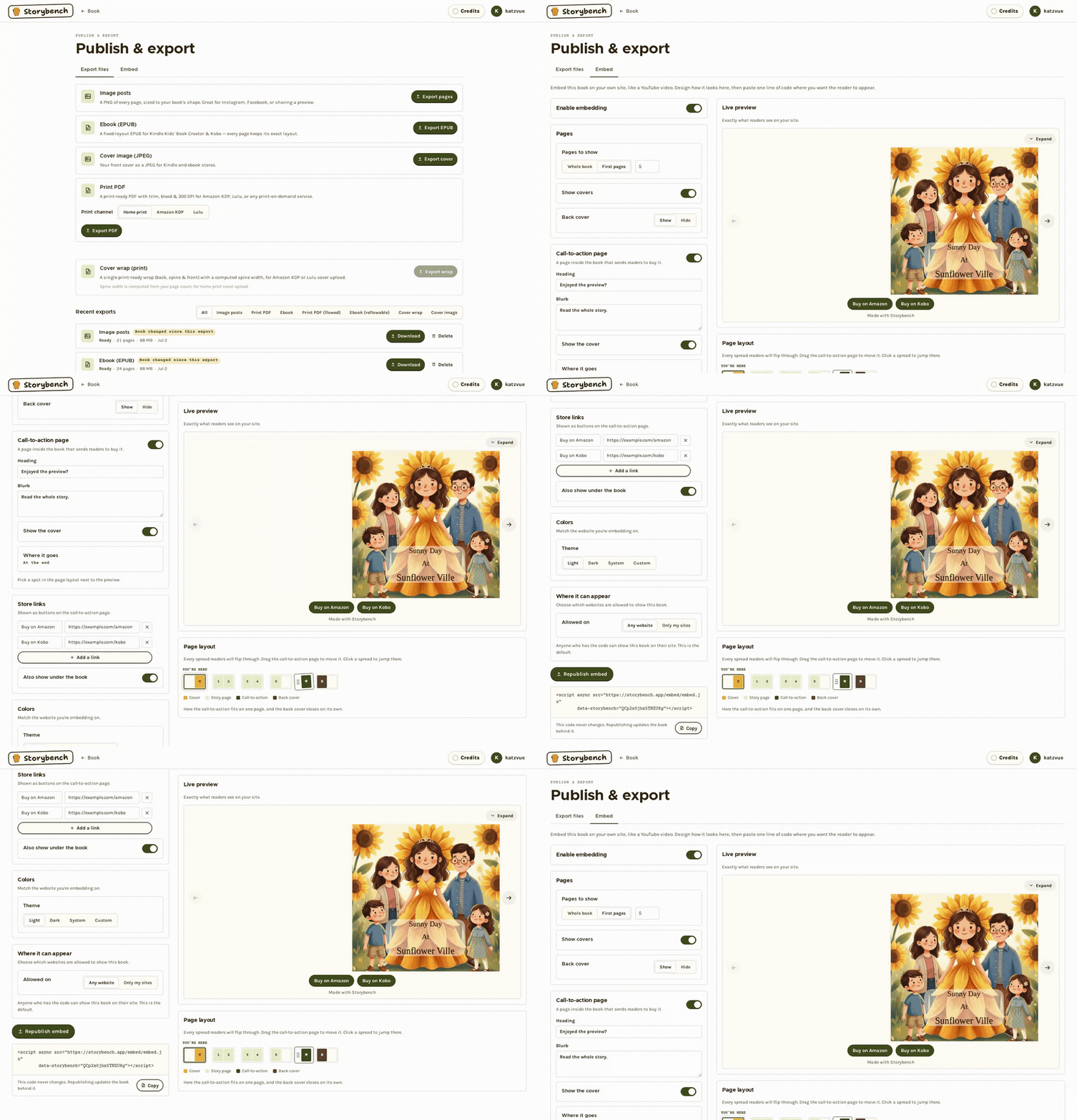
Put your book where your readers already are, on your own author website, ready to flip through.
You spent months on this book. Why do readers only ever see the cover?
Free to share. No credits, no plan needed.
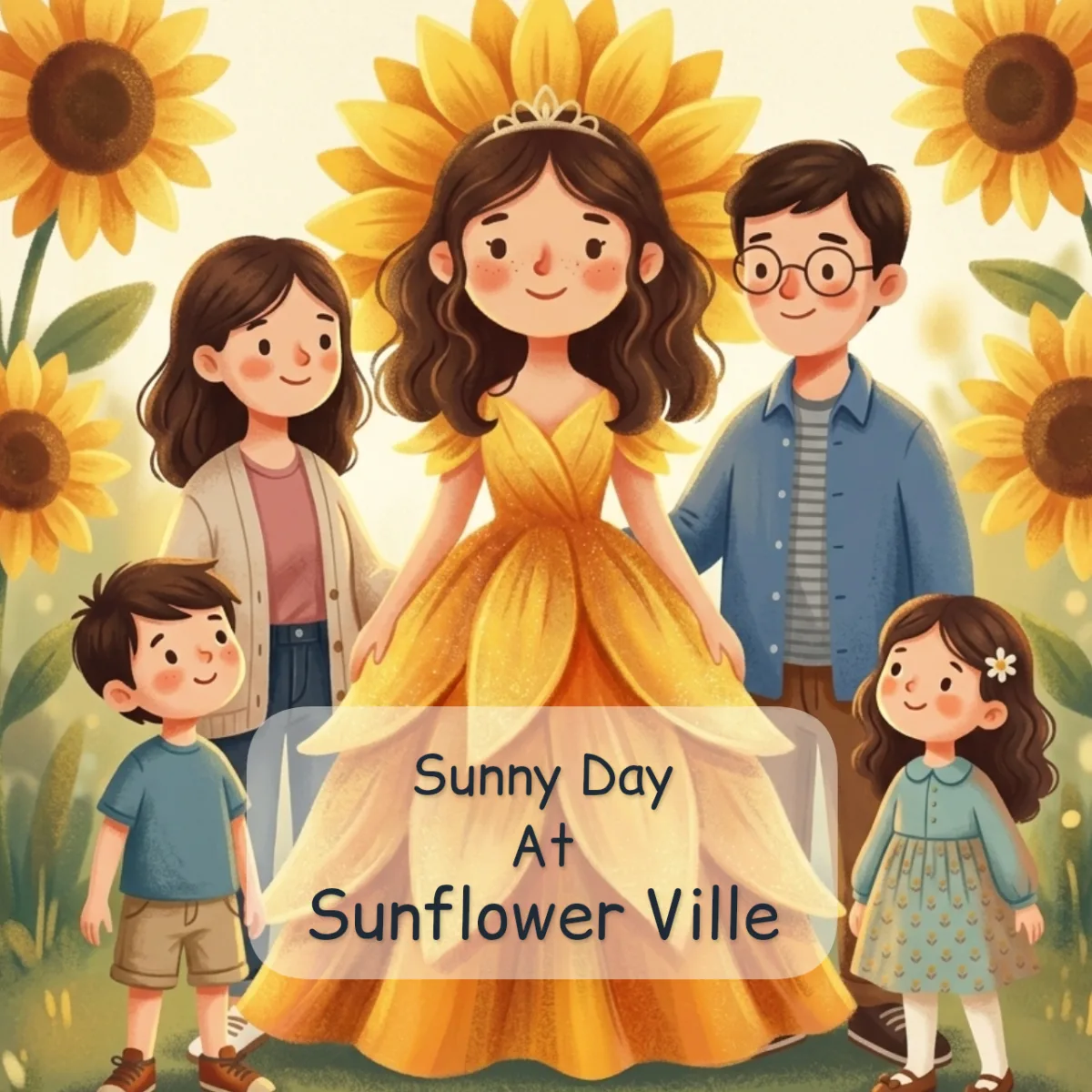
A picture book for ages 3 to 6
Read the first pages here
LiveThis is a live sample. Flip through it, it’s exactly how your book will look on your own site.
A cover and a blurb ask a lot of a stranger. A few real pages ask almost nothing. Let readers hold the thing, and the sale gets easier to imagine.
Pages, not promises.
What if
Free reads, classroom favorites, a portfolio that does the talking. A taste of the next book, so readers are waiting for it.
You choose how many pages readers get. They flip through the first few, then land on your buy page. Curious becomes keen.
The rest stay closed. You pick how many pages readers see.
First few pages, then your buy pageIt sits inside the book, with your heading, a short blurb, your cover and up to 8 store buttons. The same links can repeat under the book too.
Published with Amazon KDP, Lulu or IngramSpark? Selling on Etsy, Shopify or Gumroad? Point each button wherever your book is sold. They are plain links to your pages, so there is nothing to connect.
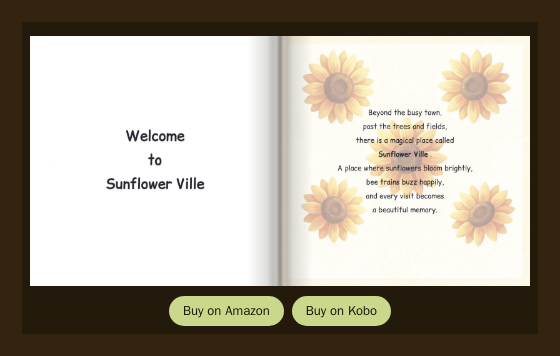
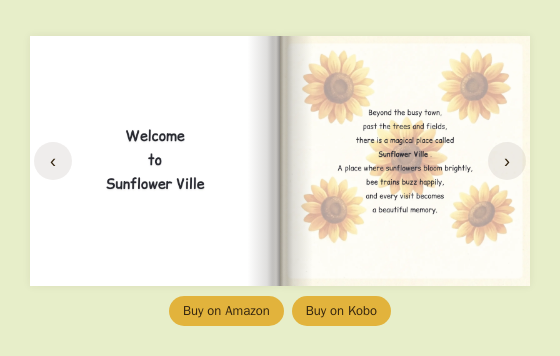
Pick Light or Dark. Let it follow your reader’s device. Or set your own colors. Want the page to melt into your background? Use the see-through frame.
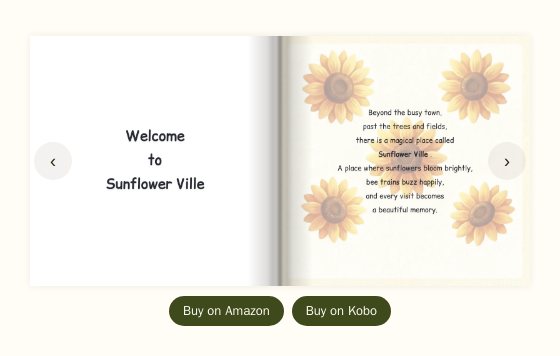
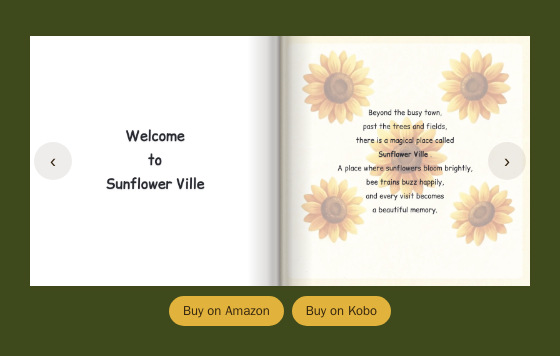
On a phone it turns one page at a time. Readers drag the page corner, or tap the arrows.
The code never changes. After you edit pages, press Republish. Colors, store links and your buy page update on their own.
Want it only on your own sites? Say so.
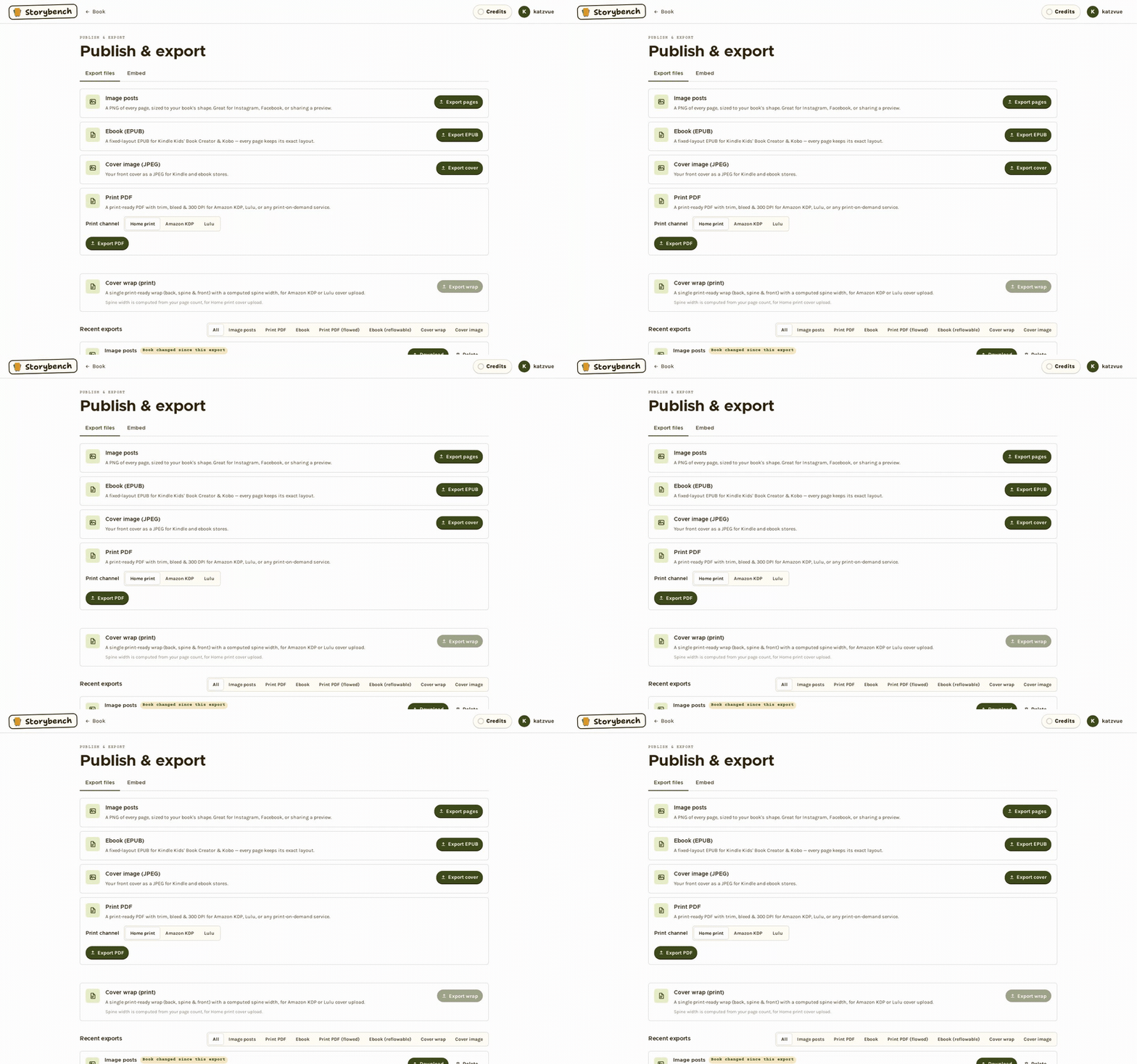
The same book exports as a print-ready PDF for Amazon KDP and Lulu, an EPUB for the ebook stores, and a cover wrap. One book, ready to be found and ready to be bought.
Short answers, no small print hiding behind them.
You need somewhere that accepts custom code, like your author site or blog.
Colors, store links and your buy page do, on their own. Page edits need a Republish. The snippet on your site stays the same.
Yes. You choose how many pages readers get.
Yes. Choose Only my sites and list yours.
Yes. A small “Made with Storybench” link appears under the book.
Build it once, share it anywhere your readers are.
Start your book