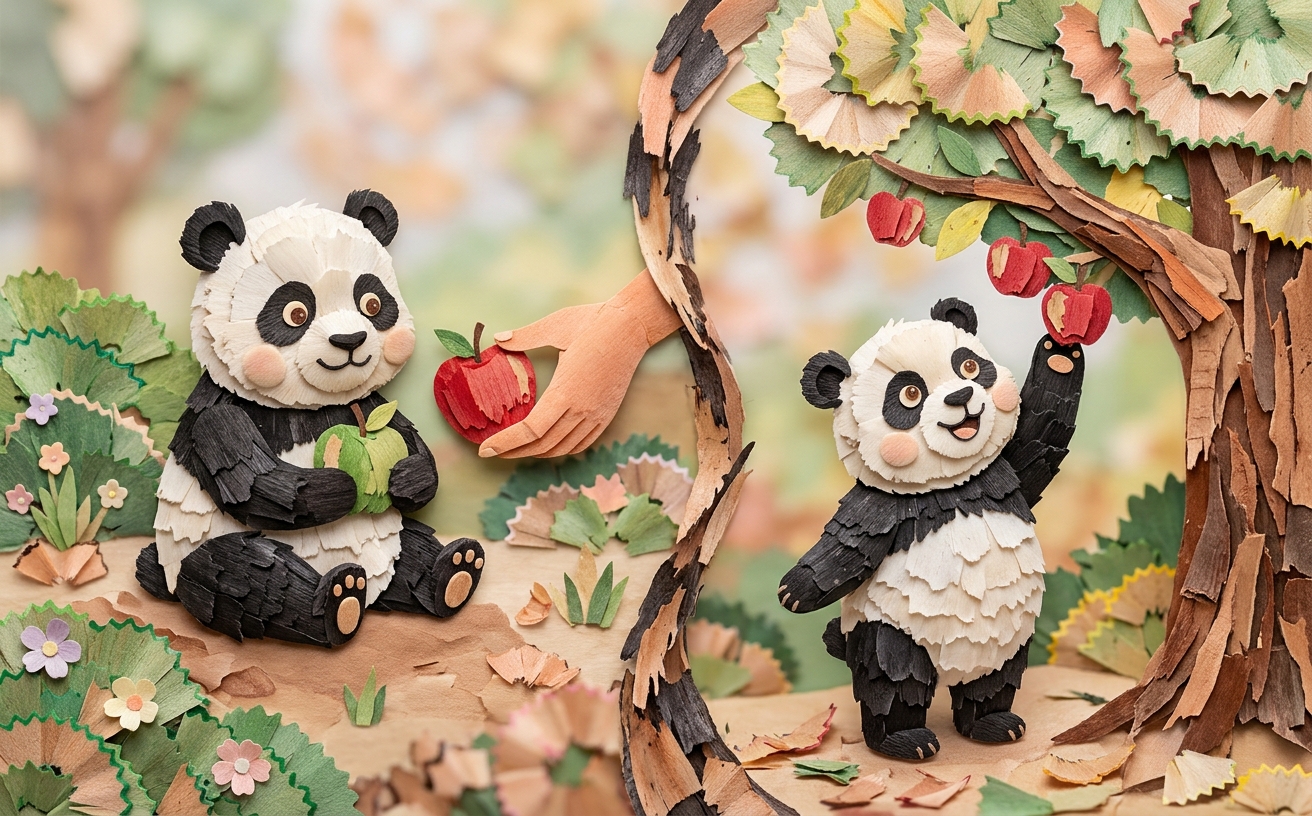
The page is almost right. The pose is great, the light is lovely, and one thing is off: the apple's the wrong color, or her hand's a little strange, or the whole composition is just not it. So do you re-illustrate the page from scratch, or make a small edit? The quick rule: edit when the page is mostly right and you want to keep it, re-illustrate when you want a genuinely different take.
Both keep your character consistent, because the cast is locked either way. The choice is really about how much of the current page you want to save.
When should you make a targeted edit?
Edit when you basically love the page and one specific thing is wrong. You want to keep the composition, the pose, the mood, everything, and just fix the one bit.
Good cases for an edit:
- A small fix. The apple should be red, not green. The sky's a touch too dark.
- One stray detail. An odd hand, an extra object that wandered in, a smudge in the corner.
- You'd hate to lose this exact shot. The framing is perfect and you don't want to gamble on getting it again.
The whole point of an edit is that you don't risk the parts you already love. You're changing one thing, not rolling for a new page.
When should you re-illustrate the whole page?
Re-illustrate when the page is more wrong than right, or when you want to try something different on purpose. You're not attached to this particular take; you want a fresh one.
- Wrong framing. You asked for a wide shot and got a close-up, or the camera's just in the wrong place. Tweak the page description and re-illustrate.
- Wrong moment. The action reads differently than you pictured. Easier to redescribe than to patch.
- You want options. Sometimes you just want to see a couple of different takes on the same beat before you commit.
Here's the reassuring part: re-illustrating doesn't reset your character. Because the cast and style are saved, a fresh take comes back as the same hero in the same look, just composed differently. You're rerolling the staging, not the identity.
Doesn't re-rolling mean the character will drift?
This is the fear everyone has from messing with general image tools, where every regeneration is a fresh gamble and the character changes. Fair worry. But that's only true when nothing is remembering your character.
When your character lives in a persistent cast, re-illustrating is safe. The tool isn't inventing a new Panda each time; it's reusing the one Panda you built, Pam, with her exact look, and just drawing her doing the thing on this page. You can re-illustrate a page ten times and she's the same Panda in all ten. That's what makes iterating fun instead of nerve-wracking.
How this works in Storybench
Storybench is built for exactly this back-and-forth. Your cast and style are set once, so every fix, whether you edit a detail or re-illustrate the page, keeps the character and the look locked. Editing is non-destructive: you're never one wrong move from wrecking a page you liked, and you own the result, not a random roll of the dice.
So the workflow is calm: write the page, illustrate it, and if it's 90% there, nudge it; if it's not, get a fresh take. Either way Pam stays Pam. See how it works, or what it's built for.
Frequently asked questions
Should I edit or regenerate an almost-perfect AI illustration?
If the page is mostly right and you want to keep the composition, make a targeted edit so you don't risk the good parts. If it's more wrong than right or you want a different take, re-illustrate it instead. The deciding question is how much of the current page you want to save.
Will re-illustrating change my character's appearance?
Not when your character is saved in a persistent cast. The tool reuses the same character every time, so a re-illustrated page comes back as the same hero in the same style, just composed differently. The drift you've seen elsewhere comes from tools that don't remember the character.
Is editing an AI page destructive?
In Storybench, no. Editing is non-destructive and you own the result, so you can fix a detail without losing the version you liked or the rest of the page.
How many times can I re-illustrate one page?
As many as you need to get it right. Because the cast stays locked, every attempt keeps your character consistent, so iterating freely doesn't cost you consistency.
Keep what works, fix what doesn't, and never worry that your hero will turn into a stranger while you do it. When you're ready to iterate without the gamble, start with Storybench.