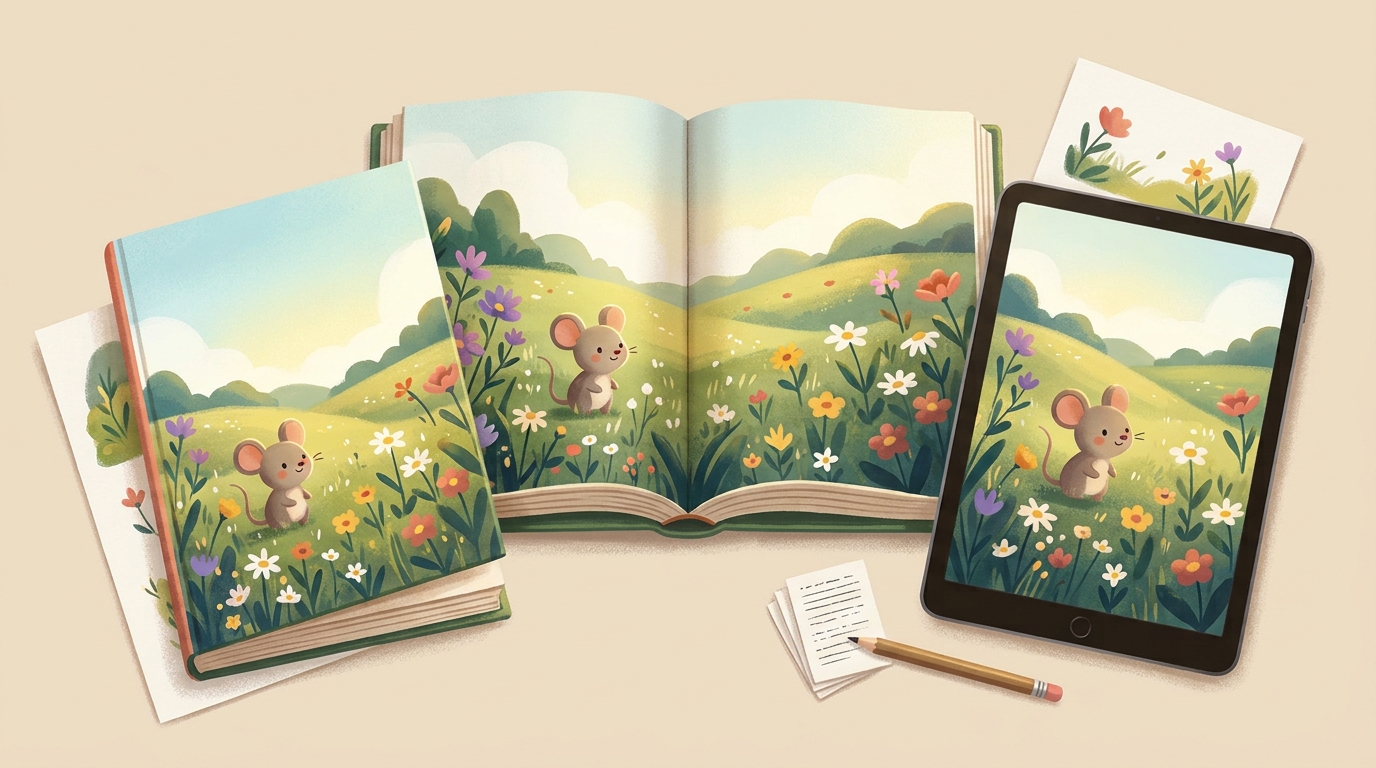
You finished your illustrated book and now you have to pick a format: EPUB or print PDF? Short answer: a print-ready PDF is for physical books through Amazon KDP and print-on-demand, while an EPUB is the file ebook stores want. They're not rivals. They're two destinations for the same book, and a picture book usually wants both. Here's how to choose, and why "both" is the honest recommendation.
People treat this like a fork in the road where you commit to one path. It isn't. It's closer to choosing whether to mail a letter and send the email. Different readers, different moments, same content. But the two formats behave differently, so it's worth knowing which does what.
EPUB vs. print PDF, side by side
The quick version, then the detail:
- Print PDF — Goes to: Amazon KDP, print-on-demand, physical copies. Strength: a real book in your hands, exact layout. Needs: trim, bleed, embedded fonts, print resolution.
- EPUB — Goes to: ebook stores and apps. Strength: instant delivery, reads on phones, tablets, e-readers. Needs: fixed-layout for picture books so the art doesn't scramble.
🖐️ NEEDS YOU — TABLE: render the EPUB-vs-print-PDF comparison above as a proper two-column table (Format × Destination / Strength / Watch-out) before publishing.
When should you choose a print PDF?
When you want a physical book. A print-ready PDF is what KDP and other print-on-demand services use to print and ship paperbacks and hardcovers. For a children's picture book, this is often the main event, because kids (and the grown-ups buying gifts) still want a real book to hold, dog-ear, and read at bedtime.
The trade-off is strictness. A print PDF has to satisfy the printer: the right trim size, bleed on the edges, embedded fonts, high-resolution art. Get it right and you get a beautiful object. (The print-ready PDF guide walks through exactly how.)
When should you choose EPUB?
When you want an ebook: instant download, no printing, readable on phones, tablets, and e-readers, often at a lower price point. EPUB is the standard format the ebook stores accept.
But for a picture book, the kind of EPUB matters enormously. Standard EPUB is reflowable, meaning the text flows to fit any screen, the way a novel does. That's perfect for a wall of text and a disaster for a picture book, because it can rip your carefully composed art away from its words and rearrange the page. What you want is a fixed-layout EPUB, which keeps each page exactly as you designed it. Same word, very different result.
Take Pickle and the Dark. As a reflowable EPUB, the line "behind the door was…" might land three screens away from the picture of what's behind the door, killing the page-turn reveal. As a fixed-layout EPUB, the spread stays intact and the joke lands. For picture books, fixed-layout isn't a nice-to-have. It's the requirement.
Why a picture book usually wants both
Different buyers reach for different formats. The grandparent wants a printed book to wrap. The parent on a road trip wants the ebook on a tablet right now. The teacher wants a copy to project. Publishing in one format quietly turns away everyone who prefers the other.
The catch in the do-it-yourself world is that making both can mean building your book twice, once for print and once for screen, with two sets of files to keep in sync. That's where a lot of people just give up and ship one.
Doing both from one book
This is the friction Storybench removes. You make the book once, then publish a print-ready PDF for KDP and a fixed-layout EPUB for ebook stores from the same source, plus image files of every page while you're at it. No rebuilding, no two parallel files drifting apart. One book, several doors out.
Now someone's going to say you should just pick one format and keep it simple. You can. But "both" costs you almost nothing when it comes from one source, and it quietly doubles the ways a reader can actually buy your book. Simple is good; reaching more readers for free is better.
Common questions
Is a print PDF the same as a regular PDF?
No. A print-ready PDF meets the printer's requirements (correct trim, bleed, embedded fonts, high-resolution images). A regular PDF only has to open on a screen. KDP needs the print-ready kind.
Will a normal EPUB work for my picture book?
Usually not well. Standard reflowable EPUB rearranges pages to fit the screen, which scrambles image-heavy layouts. Picture books need a fixed-layout EPUB so each spread stays exactly as designed.
Which should I publish first?
Lead with whichever your audience reaches for. For gift-driven children's books, that's often the printed book via a print PDF, with the EPUB following so on-screen readers aren't left out. There's no rule; you can do both.
Can I really make both without redoing the work?
If your book lives in one place, yes. The same finished book can export a print-ready PDF and a fixed-layout EPUB without rebuilding it twice. That's the whole reason to keep it in a single source.
Print PDF for the shelf, EPUB for the screen, and a picture book is happiest with both. To go deeper on the screen side, read why picture books need fixed-layout EPUB, or see what Storybench does for creators. When you'd like to make a book once and publish it everywhere, get started. Pick both. Why wouldn't you.