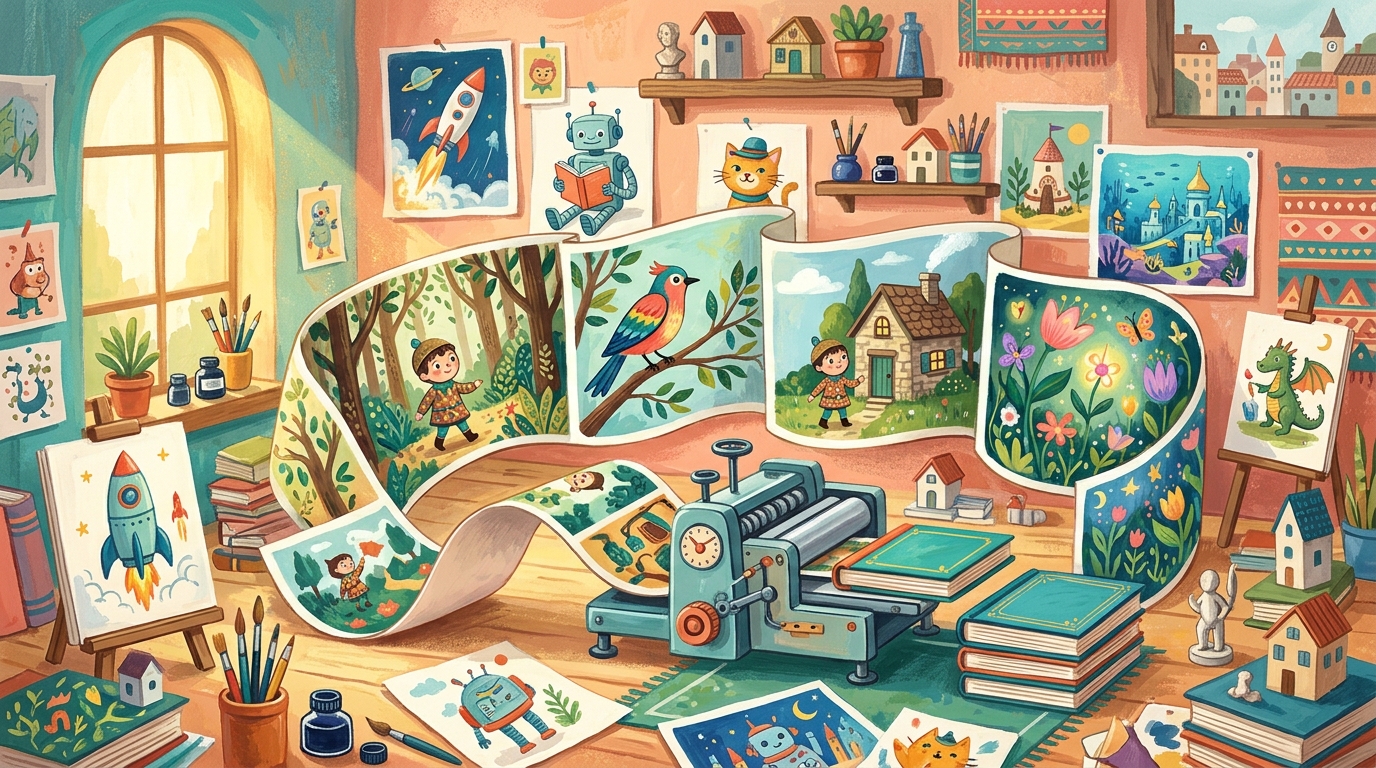
You typed a prompt into an image generator, got a gorgeous picture of a kid and a fox, and thought: I'll just do this thirty more times and I'll have a book. Then page two came back with a different kid. The short version of AI book maker vs. image generator: a generator makes beautiful one-offs with no memory, while a book maker keeps your characters consistent and gives you an actual book structure to publish. They're different tools for different jobs.
Both are useful. But if your goal is a book, only one of them is built for it. Here's the honest breakdown.
What does an image generator actually do?
It turns a prompt into a single image. Midjourney, the big diffusion tools, the one baked into your design app, they're all variations on this. Type words, get a picture. They're astonishing at it.
The catch is right there in the design: each image is independent. The tool has no memory of the last one. Ask for "the same girl, now on a bicycle" and you'll get a girl on a bicycle, but probably not the same girl. Different hair, different face, different vibe. For a single poster or a hero image, who cares. For page seven of a book where she's supposed to be the kid from page one, it's a problem you'll fight on every spread.
Where a generator wins:
- One-off images. A single illustration, a cover concept, a mood board. Unbeatable.
- Range and surprise. It'll show you styles and ideas you wouldn't have thought to ask for.
Where it leaves you stranded: anything that needs the same character, page after page. (We dug into exactly why in why AI characters drift between pages.)
What does a book maker do differently?
A book maker is built around the thing a generator forgot: the book. That changes three things.
First, a persistent cast. You build your characters, settings, and props once, and every page reuses them automatically. The girl on page one is the girl on page twelve because the tool is holding onto her, not re-rolling the dice each time. You never re-describe her, and you never type a style word.
Second, structure. A book maker knows what a book is: Book, then Chapters, then Pages, each page a line or two of your text plus its illustration. You're filling in a real book shape, not assembling a pile of loose images and hoping they line up later.
Third, an exit. A book maker publishes what you made: a print-ready PDF for Amazon KDP and print-on-demand, an EPUB ebook, image files of every page. A generator hands you a folder of PNGs and wishes you luck with layout.
So which one should I use?
Depends on the job. Quick gut check:
- Want one striking image? An image generator. It's the right, fast tool.
- Want a whole book where the character stays herself, that you can publish? A book maker. The consistency and the structure are the entire point.
Now, the fair objection: "I can keep characters consistent in a generator if I'm careful, with reference images and detailed prompts." Sort of. You can get closer, with real effort, on a handful of images. Try to hold it across thirty-two pages and the careful approach turns into a part-time job in prompt wrangling. A book maker just does it, because consistency is the foundation it's built on, not a trick you perform.
Storybench is the book maker in this picture. You write each page, build your cast once, pick one of a range of illustration styles, and the same characters show up on every page in that one style. Then you publish. If you want the wider field, the DIY stack vs. one built-for-books tool comparison sets it next to the duct-taped workflow most people try first, and how it works shows the flow end to end.
Frequently asked questions
Can I make a children's book with Midjourney or a regular image generator?
You can make the pictures, but the character will drift between images and you'll still have to lay out and publish the book separately. Generators have no memory and no book structure, so consistency and assembly are on you.
What's the main difference between an AI book maker and an image generator?
A persistent cast and a book structure. A book maker reuses the same characters on every page and gives you a Book to Chapter to Page shape you can publish. An image generator makes independent one-off images.
Do book makers still let me choose the art style?
Yes. You pick one style for the book, and it holds across every page, which is what keeps the look consistent rather than mixed.
Can a book maker publish to Amazon KDP?
Yes. Storybench exports a print-ready PDF for KDP and print-on-demand, plus an EPUB and social image posts, from the same book.
When you're ready to make an actual book instead of a folder of pretty pictures, start your book. Same girl, every page. That's the whole difference.