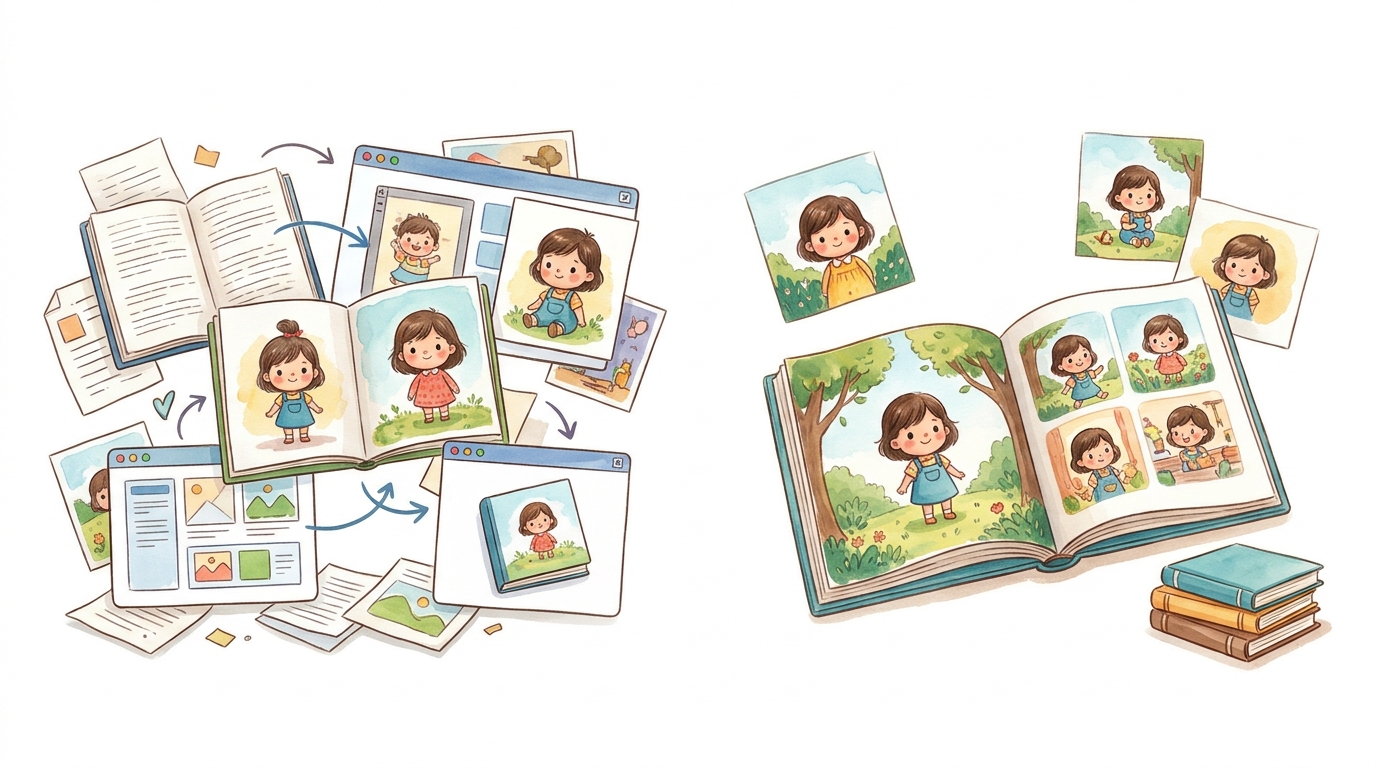
If you're trying to figure out how to make a picture book with ChatGPT and Canva plus an image tool, you've probably noticed it's a lot of tabs. The stitched stack works, sort of, until your character changes faces between pages and you're re-doing layout for the third time. A single book-first tool collapses that whole chain into one place where the cast stays consistent and the book publishes itself. Here's the honest comparison of the two ways.
No strawman. The DIY stack is genuinely how most people make an AI picture book today, and it can get you there. The question is what it costs you in re-work and broken consistency along the way.
What is the "stitched stack," exactly?
It's three or four tools, taped together by you. A typical run:
- Write the story in a chat tool. Get text, paste it somewhere.
- Generate each page's art in an image tool, one prompt at a time.
- Drop the images and text into a design app (Canva and friends) and lay out every page.
- Fight the file into a print-ready PDF or an ebook for KDP.
Four tools, four logins, and you are the integration layer holding it together. That's fine for one image. Across a whole book, the seams start to show.
Where does the stitched stack break?
Three places, reliably.
Consistency. This is the big one. Your image tool has no memory between generations, so the kid on page two doesn't match the kid on page one. You try reference images, longer prompts, seed-pinning, and you claw back some of it, on a few pages, with real effort. Then page nine drifts anyway. Multiply by thirty pages and the careful approach becomes a second job. (Full diagnosis in why AI characters drift between pages.)
Re-doing work. Every tool is a dead end you copy out of. Change a character's look and you re-generate the art, then re-import into the design app, then re-export the PDF. One small edit ripples through four tools by hand. Nothing talks to anything.
Layout and output. A general design app doesn't know what a picture book is. Trim, bleed, safe margins, fixed-layout EPUB so spreads don't scramble, you're learning print specs to bolt them on yourself. The image tool didn't think about the book, and the design app didn't think about KDP.
The stack's real cost isn't any one step. It's the friction between the steps, and the consistency that quietly falls apart in the gaps.
What does one book-first tool do instead?
It treats the book as the unit, not the image. So the things the stack does by hand are just how the tool works:
- Build your cast once. Characters, settings, and props live in one place and every page reuses them, so the same kid shows up on every page. No reference-image juggling, no style word to retype.
- Write into a real book shape. Book, then Chapters, then Pages. Each page is a line or two of your text plus its illustration. You're authoring a book, not assembling loose files.
- Illustrate in place, re-illustrate freely. The page that's 90% right gets fixed without losing the character or starting a new four-tool round trip. Editing is non-destructive and the result is yours.
- Publish from the same book. A print-ready PDF for KDP and print-on-demand, an EPUB, and image files of every page, with no separate layout tool to wrangle.
One place. The seams disappear because there's only one tool, and consistency holds because the cast persists by design.
The DIY stack vs. one tool, side by side
Same job, the two ways:
- Character consistency. Stack: fought per page, drifts anyway. One tool: built in, the cast persists.
- Number of tools. Stack: three or four, taped together. One tool: one.
- Editing a page. Stack: re-generate, re-import, re-export. One tool: re-illustrate in place, non-destructive.
- Book structure. Stack: you invent it. One tool: Book to Chapter to Page, ready.
- Publishing. Stack: learn trim/bleed, build the file yourself. One tool: print-ready PDF, EPUB, and social images from the same book.
So is the stitched stack ever the right call?
Honestly, sometimes. If you only want one or two images and never a bound book, an image tool alone is faster. If you love tinkering and the friction is part of the fun for you, go for it, the stack is real and people finish books with it.
But if your goal is an actual book, with a character who stays herself, that you can publish without a layout degree, the math tips hard toward one tool. You spend your time on the story instead of on the gaps between apps.
That one tool, for us, is Storybench: write the words, build the cast once, pick one of a range of styles, illustrate, publish. If you want to see where it sits next to image generators specifically, the book makers vs. image generators piece covers that, and how it works walks the whole flow.
Frequently asked questions
Can I make a picture book with ChatGPT and Canva?
You can, by writing in a chat tool, generating art in an image tool, and laying out in Canva. The trade-off is that your character drifts between images and you re-do work across four tools by hand.
Why does the character look different on each page in the DIY approach?
Because image generators have no memory between generations, so each page is an independent roll. A book-first tool fixes this with a persistent cast that every page reuses.
What's the biggest advantage of a single book tool?
No seams. Consistency is built in, there's a real book structure, and you publish a print-ready PDF, EPUB, and social images from the same book, instead of stitching four tools together.
Do I still write the words myself in a book-first tool?
Yes. You author every page; the tool handles illustration and keeps the cast consistent. You direct, it draws.
When you're ready to close the tabs, start your book. Fewer logins, one consistent kid, one book.