Your book deserves a cover, front and back. Covers are their own thing in Storybench, kept apart from the story pages inside.
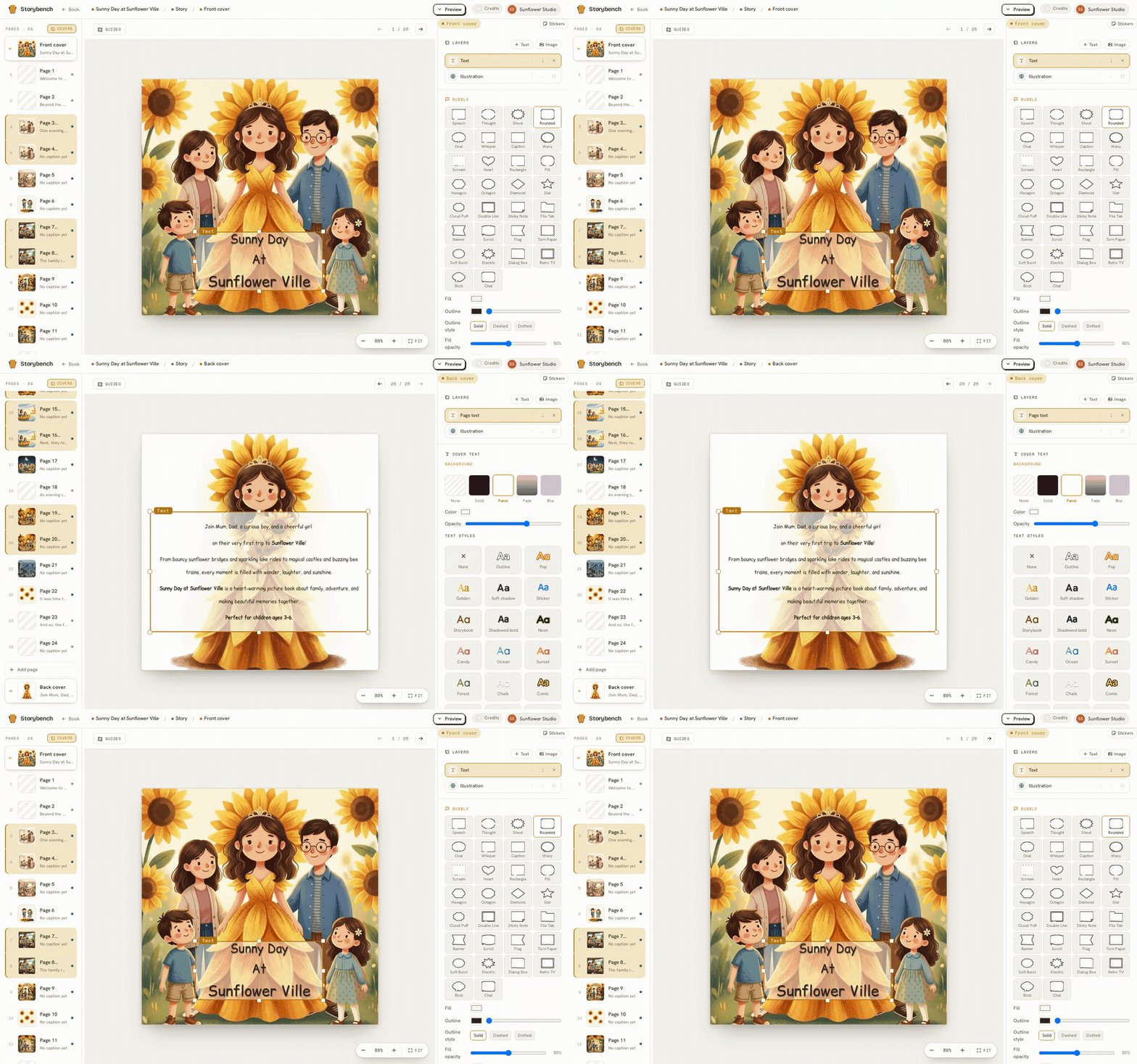
Covers are separate from the interior
Your front and back covers are not part of the numbered page sequence. They are never counted as page one, they never appear in the middle of your story, and they sit outside the interior order. This keeps your page numbering clean and your covers where they belong: wrapped around the outside.
Two ways to make cover art
You can create cover art in either of two ways:
- Bind an existing image. If you already have a picture you love (perhaps a favourite page illustration, or art you made), you can use it directly as the cover.
- Illustrate the cover. You can generate cover art through the very same cast-aware system your pages use. Your characters arrive looking like themselves, in your World's style, no re-describing needed.
Front and back, your call
You can design both a front and a back cover. The front is your book's first impression: title, art, mood. The back is a natural home for a short blurb or a quieter image. You can show or hide covers as you work, and whatever has content is what carries through to your exports.
When your covers and pages are ready, it is time to take the book with you: see export formats.