What happens the first time you sign in? You get a short welcome letter, a one-minute tour, and a small sample book already waiting in your library, so you can see how everything works before you make anything of your own.
The welcome letter
Right after you add your name, you land on a short letter from our founder. It says hello, tells you how to reach a real person if you get stuck (write to [email protected]), and points you to the next step with a button: Take the 2-minute tour.
Let's dive in
Next comes a short narrated video that explains the whole idea in under a minute. If your browser allows it, it plays with sound, and there are buttons to turn the sound on and to play it again. While you watch, we get your sample ready. When it is, the button Open the sample book appears. If you would rather explore on your own, choose "Skip, I'll find my way" and we will take you to your Worlds.
The sample World
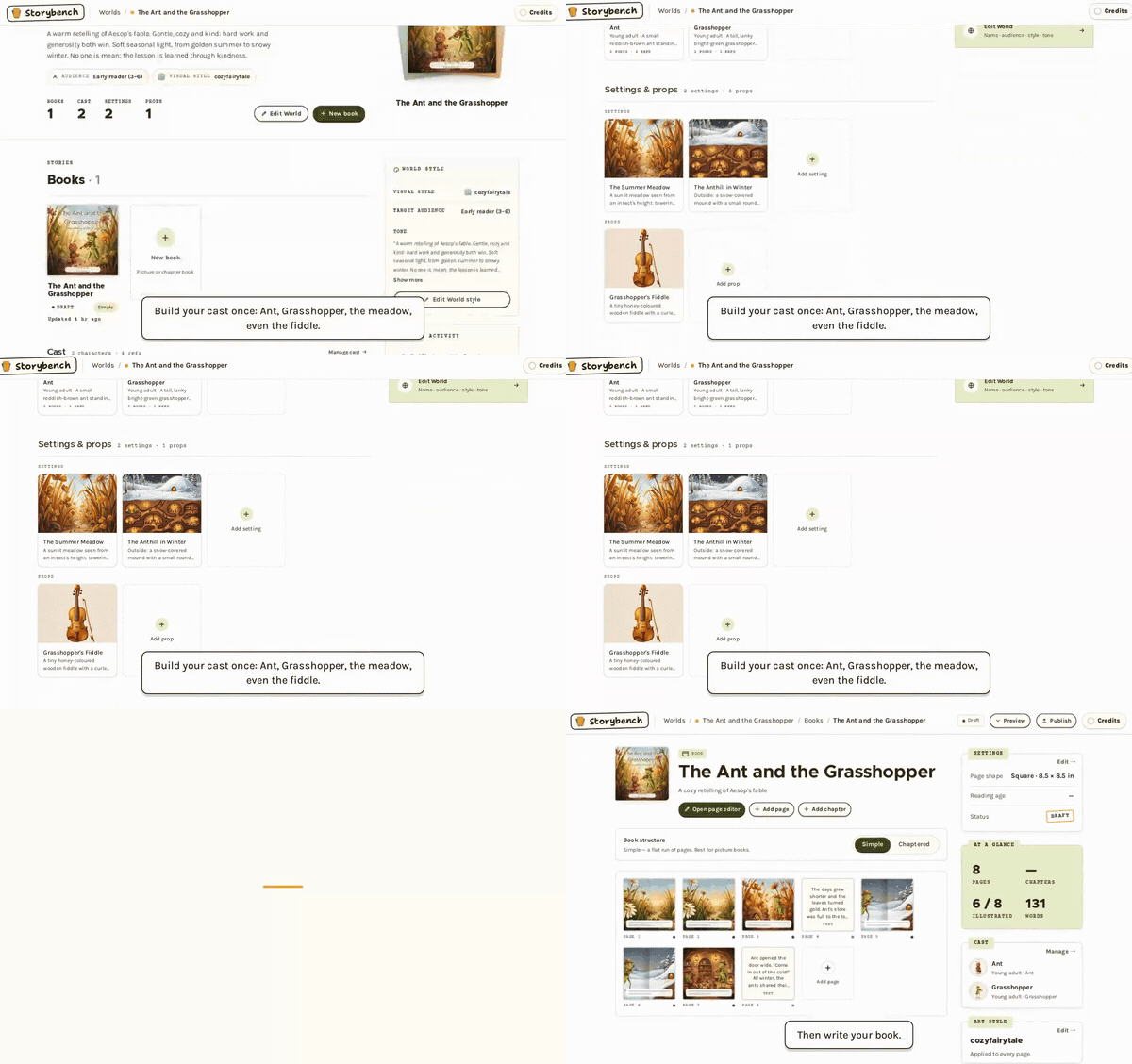
The sample is a World called The Ant and the Grasshopper, with a short illustrated book inside and a small cast to meet. You will see a "Sample World" ribbon on it, so you can always tell it apart from your own Worlds.
It is your own copy, so nothing you do affects anyone else. Change anything you like. Look at how the cast was built, flip through the book, and see how a World keeps its characters steady. Illustrating pages in it uses credits just like any other World, and uploads are for members, so see browsing and costs for how that works.
The three-step tour
Once you open the sample book, a small card walks you through three steps:
- Meet the cast. Characters are made once and reused on every page. Open Ant to see her reference art.
- Flip through the book. Same Ant, same Grasshopper, page after page, and no style words were typed.
- Make your own World. Your turn: start with a name and a style, and your cast comes next.
You can leave the tour at any step with Skip tour. It does not remember where you stopped if you reload the page, so just open the sample book again if you want to see it from the start.
Deleting the sample
When you are done with it, you can delete it. Open the sample World, press its Edit World button, scroll down to the Danger zone, and choose Delete World. You will be asked to type the World's name to confirm.
One thing to know: your own Worlds go to Recently deleted for 40 days, but the sample is removed straight away for good. It cannot be restored, and we only give you the one, so it will not come back.
New accounts get the sample. If you joined before it existed, you will not see one. Either way, the next stop is the same: the quick start.